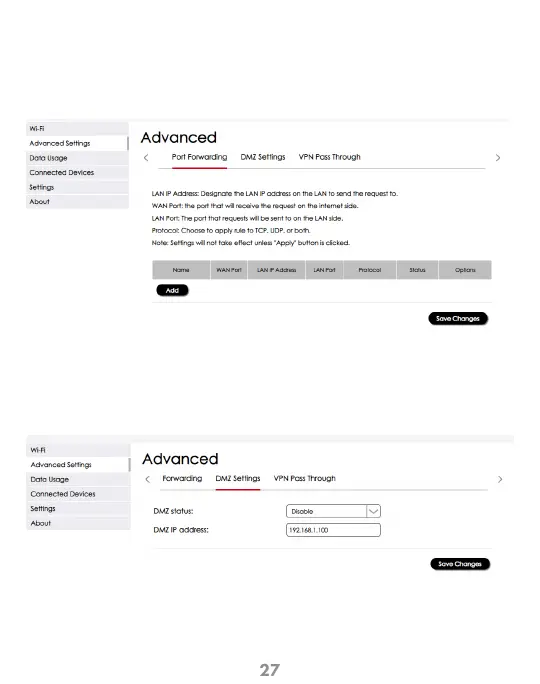
Configuration > Advanced Settings > Port Forwarding
This screen allows management and customization of the IP address to send
and receive from the LAN and internet sides of your connections. Remember
to click “Save Changes” for the settings to take effect.
Port Forwarding
Configuration > Advanced Settings > DMZ Settings
The screen allows management of the DMZ settings by enabling this
feature and setting the desired IP address. Remember to
click “Save Changes” for the settings to take effect.
DMZ Settings



 To Next Page