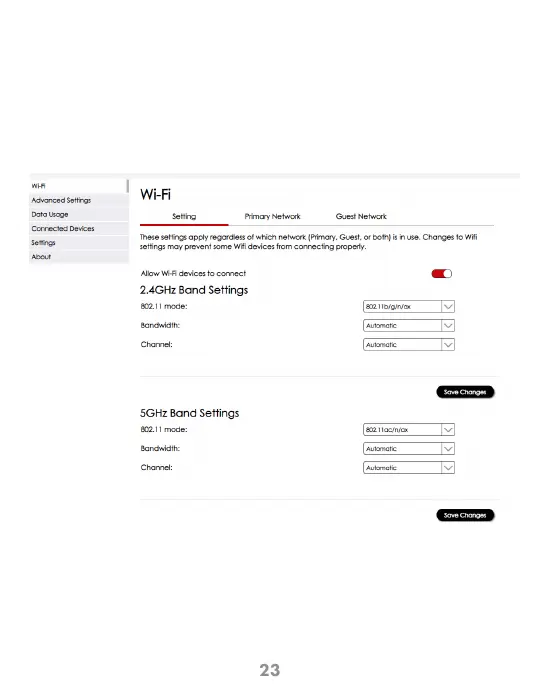
Configuration > Wi-Fi > Setting
This screen provides you to change settings that apply to the Wi-Fi network like hide the
password displayed on the device, or stopping the broadcast of the SSID. Settings are
applied individually to both bands, 2.4 GHz and 5 GHz. Remember to click “Save
Changes” for the settings to take effect.
You can change the Wi-Fi password from this screen by entering the new password in
the setting box and must be done for each band individually.
Wi-Fi Setting



 To Next Page