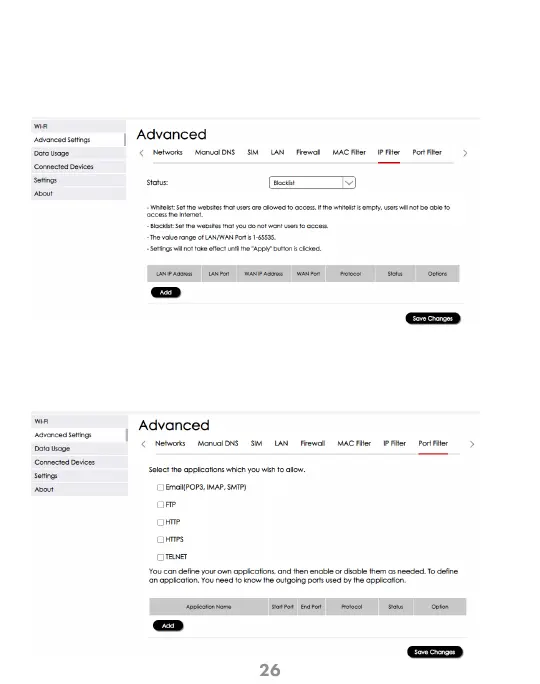
Configuration > Advanced Settings > IP Filter
This screen allows you to define IP addresses to be filtered. IP filtering must be enabled
from the Firewall settings first in order to apply this feature to Blacklist or Whitelist
devices. Remember to click “Save Changes” for the settings to take effect.
IP Filter
Configuration > Advanced Settings > Port Filter
This screen allows you to define what type of ports to be applied. Port filtering must be
enabled from the Firewall settings first in order to apply this feature to Blacklist or
Whitelist devices. Remember to click “Save Changes” for the settings to take effect.
Port Filter



 To Next Page