❶
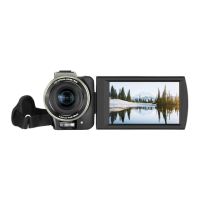
The camcorder will shut down automatically if it is idle for 3 minutes
in standby status.
❷
The camcorder will shut down automatically after being
disconnected with Wi-Fi for 1 minute.
★
In case of system halt, the Reset button can be pressed to perform
forced shutdown.
● Reset
❶ Open the memory card slot cover and confirm the Reset button (a
small hole marked with “RST” beside the card slot).
❷ Use a toothpick or a needle to accurately and gently press it. The
camcorder shuts down automatically, meaning the resetting is
finished.
●The camcorder will restore factory settings after it is reset.
●Reset the camcorder when it is in standby status.
●After resetting, the data stored in a memory card and the camcorder
version will not be reset.
●Video recording data will not be stored if it is reset during video
recording.
●Resetting can be performed by using the App as well.



 To Next Page