●For Android users, it your phone prompts「Allow the App to have
permission?」, please select「Yes」.
● App networking
◆ Registration
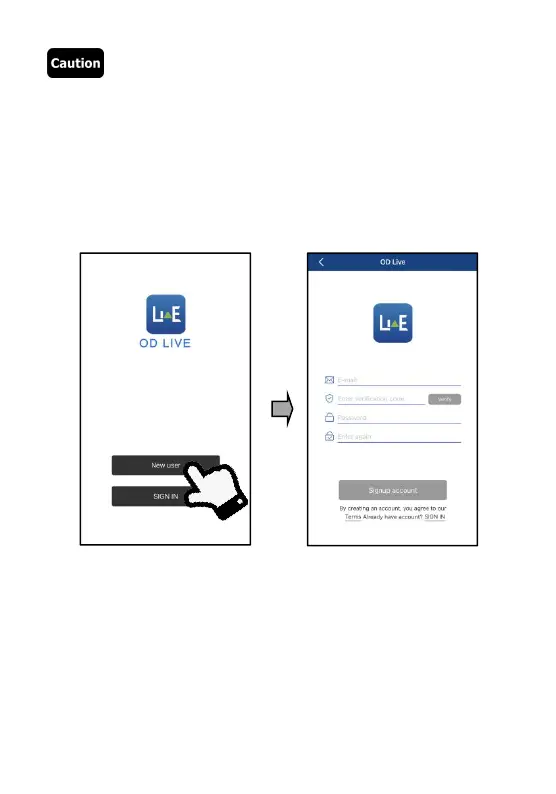
❶ Go to the first interface after the App is enabled and tap「New user
to go to the registration interface.
❷ Input your email and tap「Enter verification code」. After checking
the code in your email, correctly input it in the blank.
❸
Input the same user-defined password twice and tap「Sign up
account」 to finish the process and log in the App.



 To Next Page