◆ Taking candid photos
Shortly press the Photo button when recording a video; the camcorder
gives out a prompt tone “crack”, meaning a candid photo is taken.
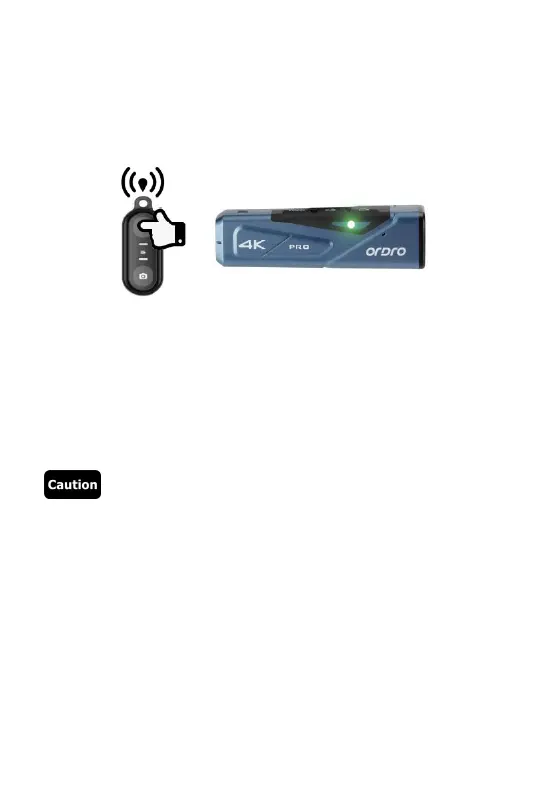
● Operate by using the controller (Optional)
◆ Video recording
Start/stop video recording: Press the Video button; the green indicator
of the controller flickers once, meaning the operation is finished.
◆ Taking photos
Press the Photo button; the green indicator of the controller flickers
once, meaning the operation is finished.
●The controller cannot be used when Wi-Fi is enabled.
●After the camcorder is used for recording videos for a certain period,
the video files will be stored automatically in various segments.
When 4K60fps/4K30fps/2.7K30fps is used, they will be
automatically stored in form of 5-minute videos; when
1080P60fps/1080P30fps/720P120fps/720P60fps is used, they will
be automatically stored in form of 20-minute videos.
●Candid photos cannot be made when 4K resolution is used for
recording videos.
● The default resolution for recording videos is 4K 3840x2160 30fps.
● The default pixel for taking photos is 14M.



 To Next Page