Video Recording and Taking Photos
● Operate by using the camcorder
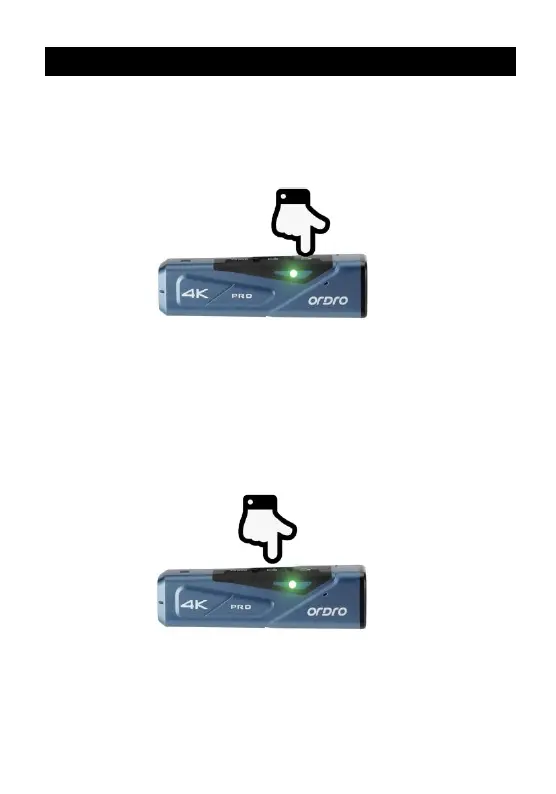
Press and hold the Power button for 3 seconds. The green indicator is
on and the camcorder gives out the startup sound and goes to the
standby status.
◆ Video recording
Start video recording: Shortly press the Video button once; the
camcorder gives out a prompt tone『Start recording』. The
green indicator starts flickering to start video recording.
Stop video recording: Shortly press the Video button once; the
camcorder gives out a prompt tone『Stop recording』. The
green indicator stops flickering to stop video recording.
◆ Taking photos
Shortly press the Photo button once; the camcorder gives out a
prompt tone『Taking picture』. The green indicator flickers for one
second, meaning a photo is taken.



 To Next Page