Connecting to a Computer
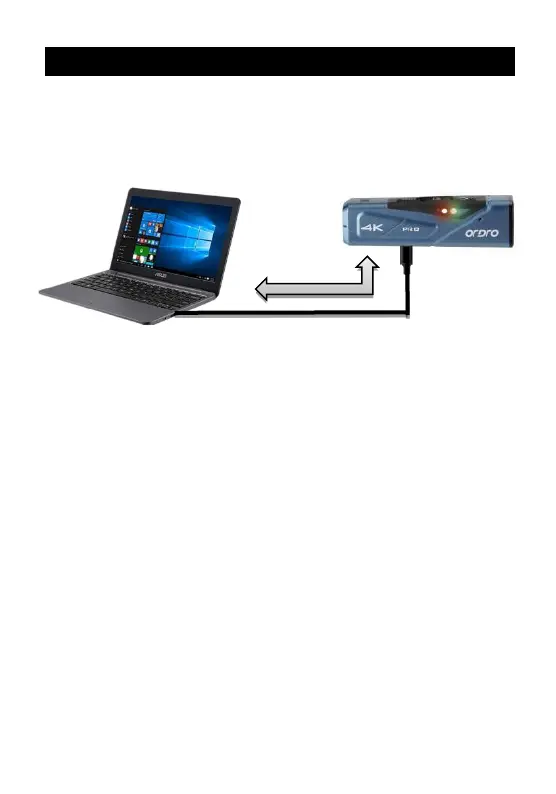
Use the USB cable provided by the manufacturer to connect the
camcorder to a computer to recharge the product and use it as a
mobile HDD and a network camera.
● Removable disk mode
❶
Press and hold the Power button to switch it on.
❷
Use the USB cable provided by the manufacturer to connect the
camcorder to a computer. The camcorder gives out a prompt tone
『Please select the USB function and press the video button to
enter the removable disk mode and press the photo button
to enter the PC cam mode』. Shortly press the Video button, and
the device gives out a prompt tone『Enter the removable disk
mode』” and a mobile HDD is displayed on the program
“Computer” in the computer.
● PC camera mode
❶ Press and hold the Power button to switch it on.
❷ Use the USB cable provided by the manufacturer to connect the
camcorder to a computer. The camcorder gives out a prompt tone
『Please select the USB function and press the video button to
enter the removable disk mode and press the photo button



 To Next Page