25
View chime log
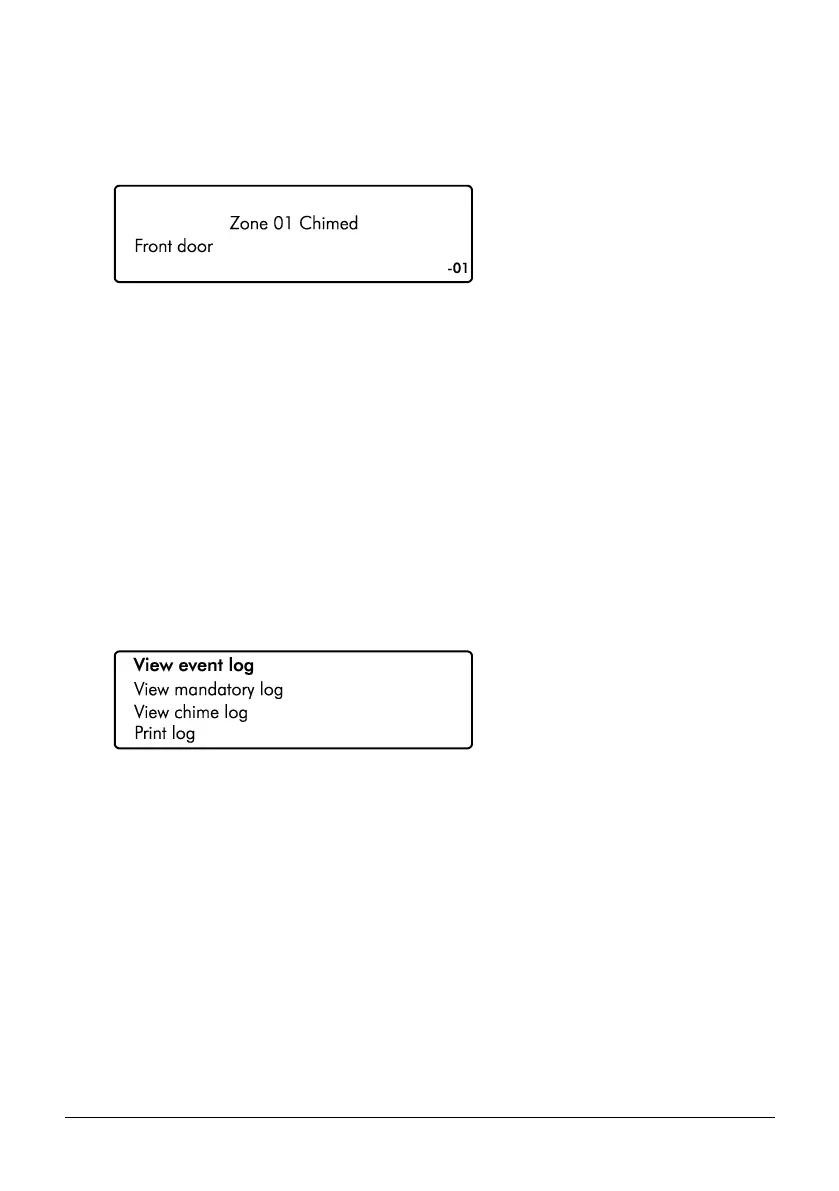
Displays up to the last 50 zones that have chimed.
1. Ensure that the ‘View chime log’ option is selected from the ‘System Event Logs’ menu:
2. Scroll back and forward through the chime log using the U/ u and D/ p
keys.
View Log Screen Information
Line 1: Not used.
Line 2: The zone number that has chimed.
Line 3: The zone description.
Line 4: Then event number is displayed far right.
Print Log
This option allows the user to print a system log. To use this option a serial printer must be
connected to the control panel by your alarm installer.
1. Ensure that the ‘System Events Log’ menu is selected:
Scroll down to the ‘Print log’ option, then press E or k, If there is a serial printer connected
to the system, the log will start to print.



 To Next Page