SETUP
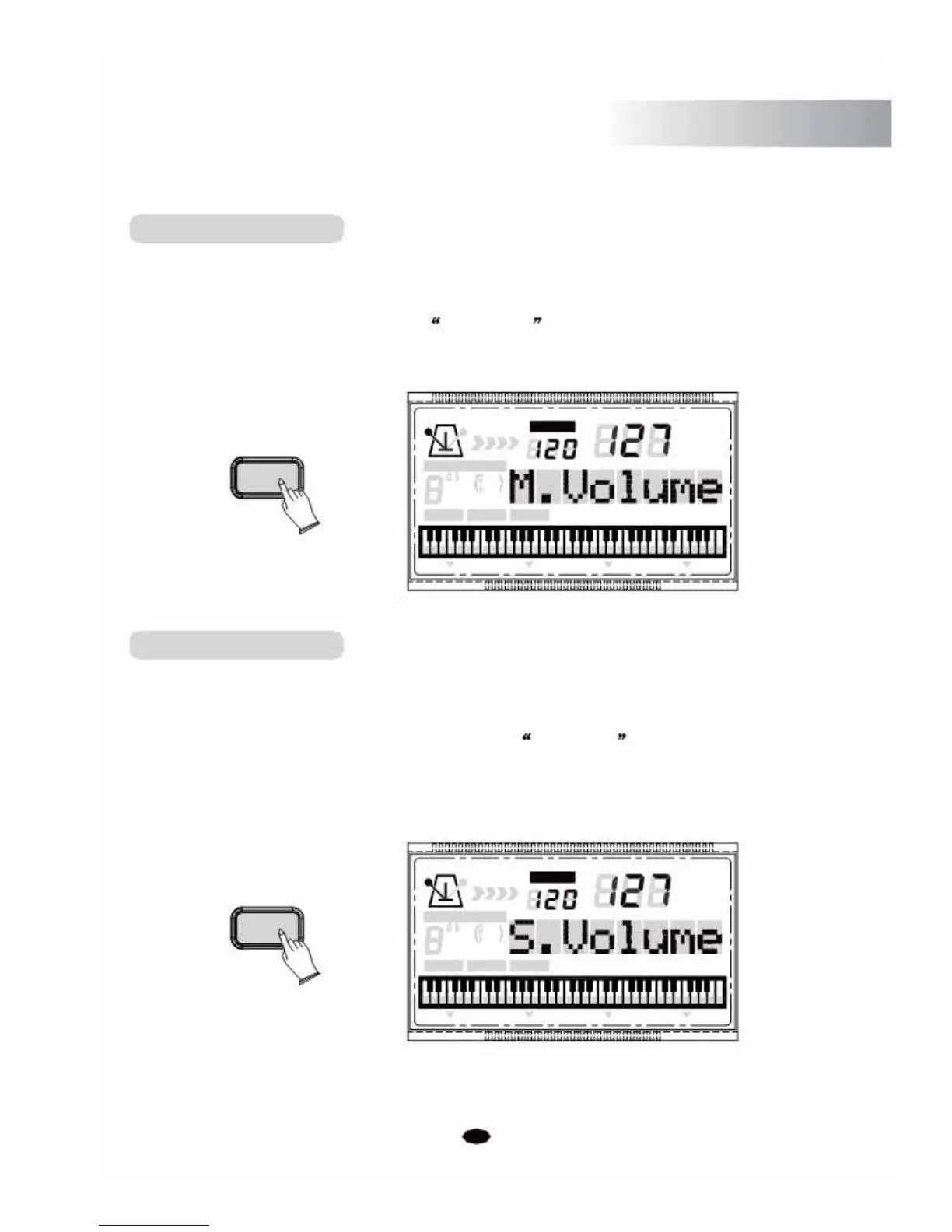
Main Voice Volume
In this function you can set the Main Voice Volume.
Press the [SETUP] button to select M. Volume , then use [+] and [-] buttonso rthe
numeric buttons to increase or decrease the value. Range: 0 ~127. (Default:127)
TEMPO
SETUP
CHORD TYPE
dim
6119
513
mM7
augsus4
CHORD SPLIT DUAL TOUCH EFFECT
Split Voice Volume
In this function you can set the Split Voice Volume.
Press the [SETUP] button r epeatedly to select S. Volume
VOICE
STYLE
SONG
SUSTAIN VIBRATO
, then use [+] and [-]
buttonso rthe numeric buttons to increase or decrease the value. Range: 0 ~127.
(Default:127)
TEMPO
VOICE
SETUP
STYLE
CHORD TYPE
SONG
dim 6
119
513
m
M
7
augsus4
CHORD SPLIT DUAL TOUCHEFFECT SUSTAIN VIBRATO
21



 To Next Page