SETUP
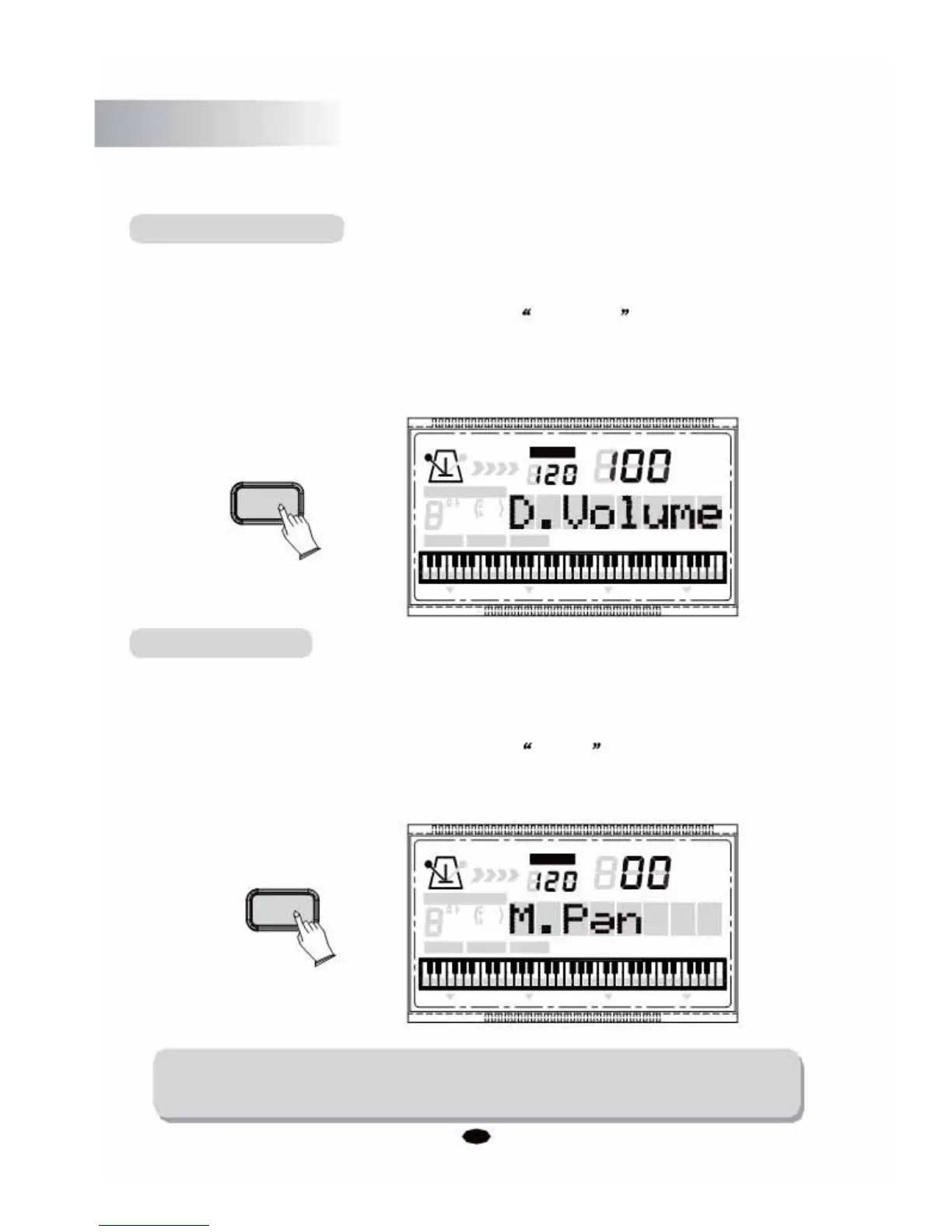
Dual Voice Volume
This function allows you to set the Main Voice Volume.
Press the [SETUP] button repeatedly to select D. Volume , then use [+] and [-]
buttonso rthe numeric buttons to increase or decrease the value. Range: 0 ~127.
(Default:100)
TEMPO
VOICE
SETUP
STYLE
CHORD TYPE
SONG
dim 6
119
513
m
M
7
augsus4
CHORD SPLIT DUAL TOUCHEFFECT SUSTAIN VIBRATO
Main Voice Pan
This function allows you to set the stereo position of each orchestration part in order
to create a broad stereo image of your sound.
Press the [SETUP] button repeatedly to select M. Pan , then use [+] and [-]
buttonso rthe numeric buttons to set the pan value: From -64 to 63. (Default:00)
TEMPO
VOICE
SETUP
STYLE
SONG
CHORD TYPE
dim 6
119
513
m
M
7
augsus4
CHORD SPLIT DUAL TOUCHEFFECT SUSTAIN VIBRATO
NOTE:
The numbers ranging from -64 to -1 cannot be selected by selected by numeric
buttons.
22



 To Next Page