DELETE MEMORY REGISTRATIONS FROM USB
Insert the USB Disk into the USB socket. Press and hold the [USB FILES] button to access the
Setting files in the USB Disk. Select the Setting page by pressing the number 3 button.
Use the [+/-] buttons to select the desired Panel Memory Registration Setting file you want to
delete, and then hold down the [RECORD] button and press [PLAY/LOAD] button.
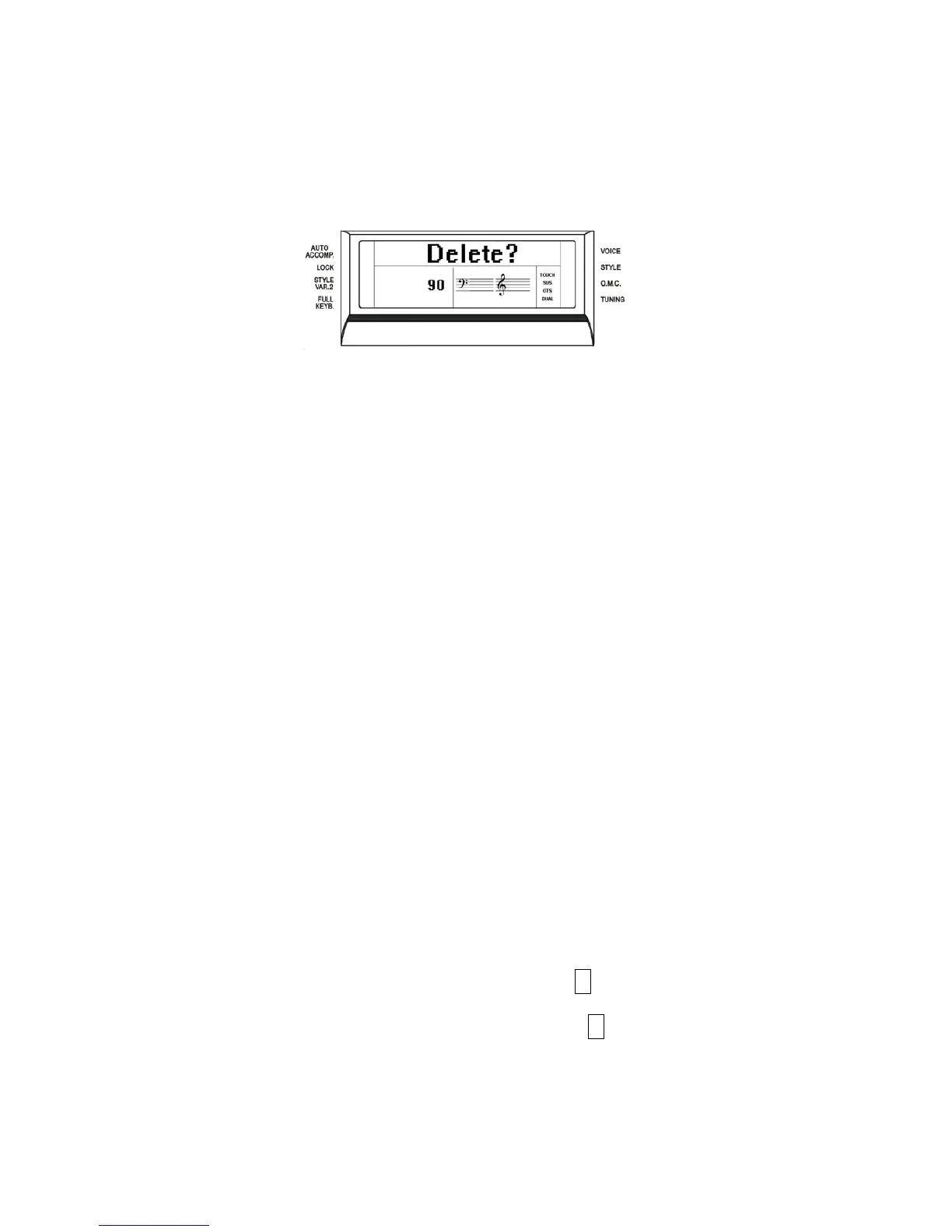
LCD shows:
Press [+] button to delete the file.
Press [-] button to exit the function without deleting the file.
NOTE: When a file is deleted from a list its progressive number will be cancelled and
saved in a special memory location inside the instrument. This number will be
automatically assigned to the next file of the same type that will be loaded.
USB FILES MODE SELECT
The files listed in the USB disk can be accessed in two ways: by number or by alphabet letters.
It is possible in fact to access the files recalling their numbers or scrolling the initial letters.
To select these two systems, follow these instructions.
- Insert the USB disk into the USB socket
- Press the USB FILES button
- Press and hold the 0 (zero) on the numeric keypad until the display shows
Alphabet or Number
- Using the [+/-] buttons select on the display Alphabet or Number as you prefer.
- The available files will now be listed according to your choice, by number or by letters.
- to select the files by numbers simply select the desired number on the display using the
numeric keypad.
- To select the files by letters refer to the below table that is similar to telephone letter
indications:
1 – no letters 2 – ABC 3 – DEF
4 – GHI 5 – JKL 6 – MNO
7 – PQRS 8 – TUV 9 – WXYZ
- To select the desired letter press the related button as follow:
D – press the 3 button one time. The display shows SEL DEF
R – press the 7 button 3 times. The display shows SEL PQ
RS
The files are now listed by initial letter. If the selected initial letter is not available in the list the
instrument will select the nearest available letter.
22



 To Next Page