932502G / 0618 2. THE DSPEC 50
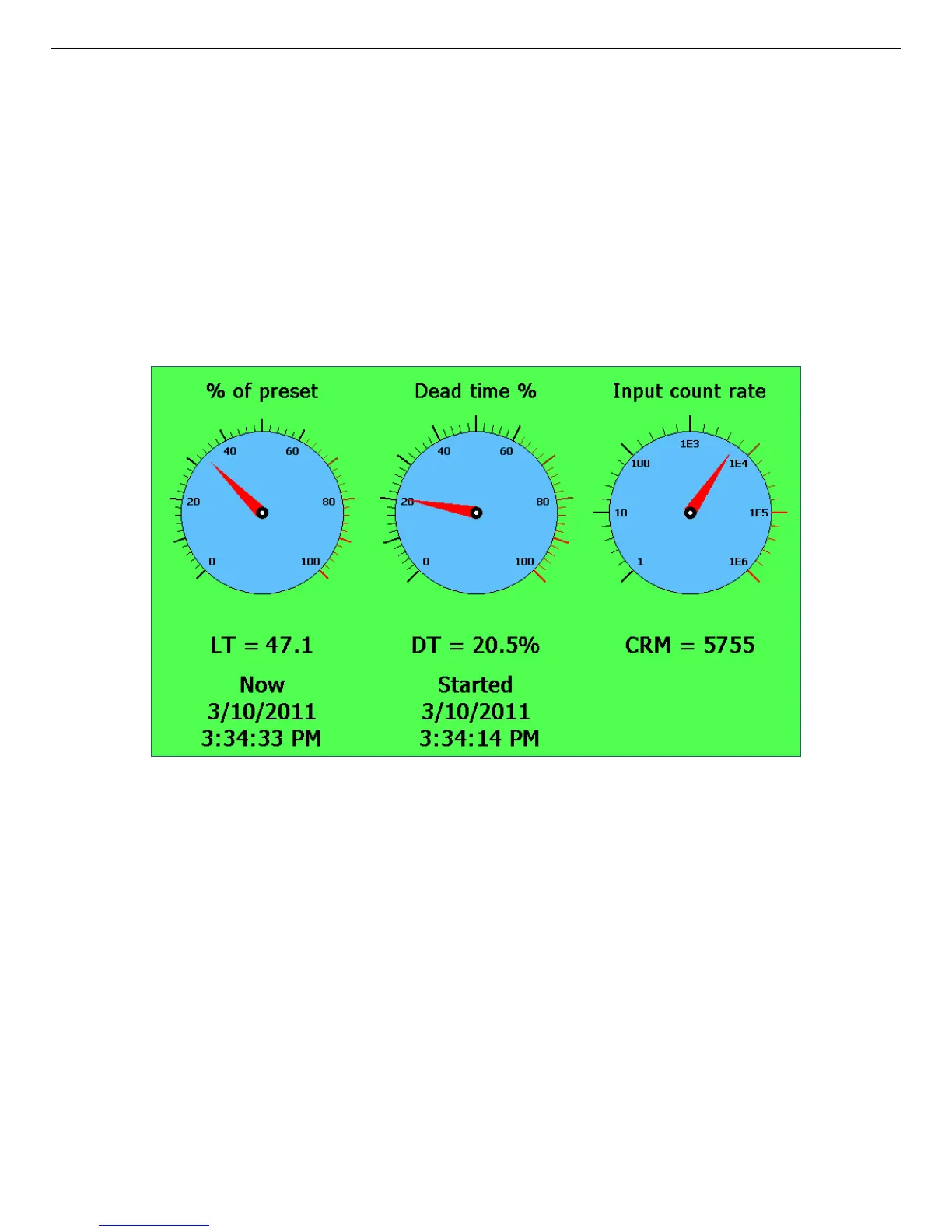
Figure 10. The Gauges Screen During Data Acquisition.
When counting to a preset, the % Preset readout tracks progress, then remains in its final posi-
tion at the end of acquisition (100% if the preset counted to completion, <100% if the count was
manually halted before the preset was reached).
Figures 10 and 11 respectively illustrate the Gauges screen during and after a data acquisition.
Note that the % of preset gauge in Fig. 10 shows that about 33% of the preset has elapsed. Also,
the Dead time % gauge and readout, as well as the bright screen background, reflect that a
count is in progress. By contrast, in Fig. 11, the 100% reading on the % of preset gauge indi-
cates the preset condition has been met; and the neutral background and 0% dead time indicate
acquisition has stopped.
23



 To Next Page