DSPEC 50
®
and DSPEC 502
®
Digital Gamma-Ray Spectrometer User’s Manual 932502G / 0618
Figure 29. New Instruments Must Have a Non-
Zero ID Number.
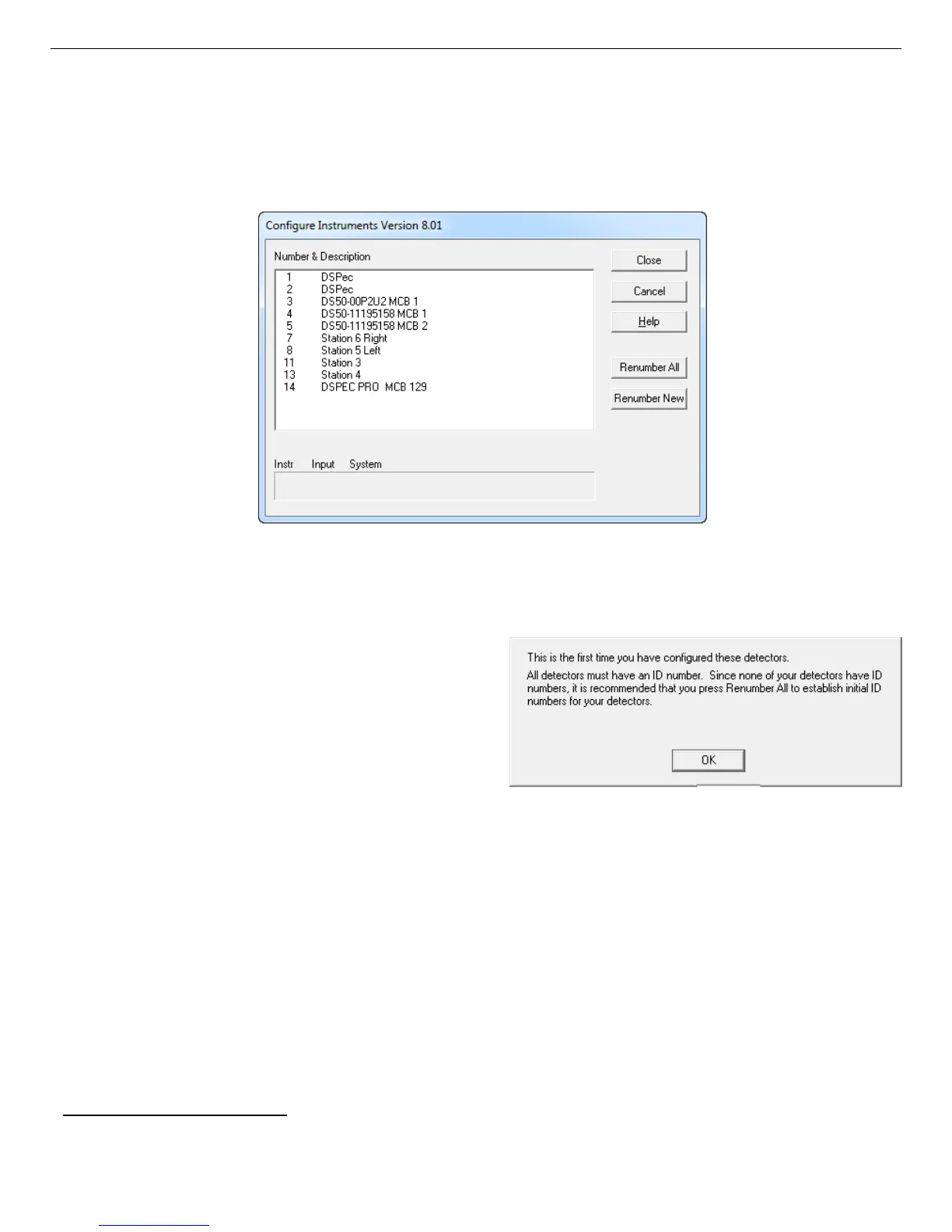
Figure 28. MCB Numbering and Descriptions.
local computer and the network, and display the Master Instrument List of instruments found
(Fig. 28). Each DSPEC 50 will be identified in the list by the Host name displayed on the
Communication Control screen (Fig. 8, page 20). If you have a DSPEC 502, both inputs will
be discovered, and will be assigned the host name appended with MCB 1 and MCB 2.
3.5.1. Configuring a New Instrument
The first time a new instrument is detected, the
dialog shown in Fig. 29 will remind you that
all new instruments must be assigned a unique,
non-zero ID number.
11
Click OK. You can
either manually change the ID Number and
Description as described in the next subsection,
or you can click the Renumber New button
to renumber only the new instruments.
NOTE We strongly recommend not using the Renumber All button. In addition, we
strongly recommend not renumbering MCBs that “belong” to other users, as this
could affect the interaction between their MCBs and their ORTEC software, for
instance, if they control their MCBs with .JOB files (e.g., the .JOB file command
SET_DETECTOR 5), or use the GammaVision or ISOTOPIC spectroscopy
applications. See also the NOTE FOR MULTIPLE USERS ON A NETWORK in the
next section.
11
If this is a first-time installation of ORTEC products, all your instruments will be “new.”
36



 To Next Page