932502G / 0618 4, 5. MCB PROPERTIES IN MAESTRO
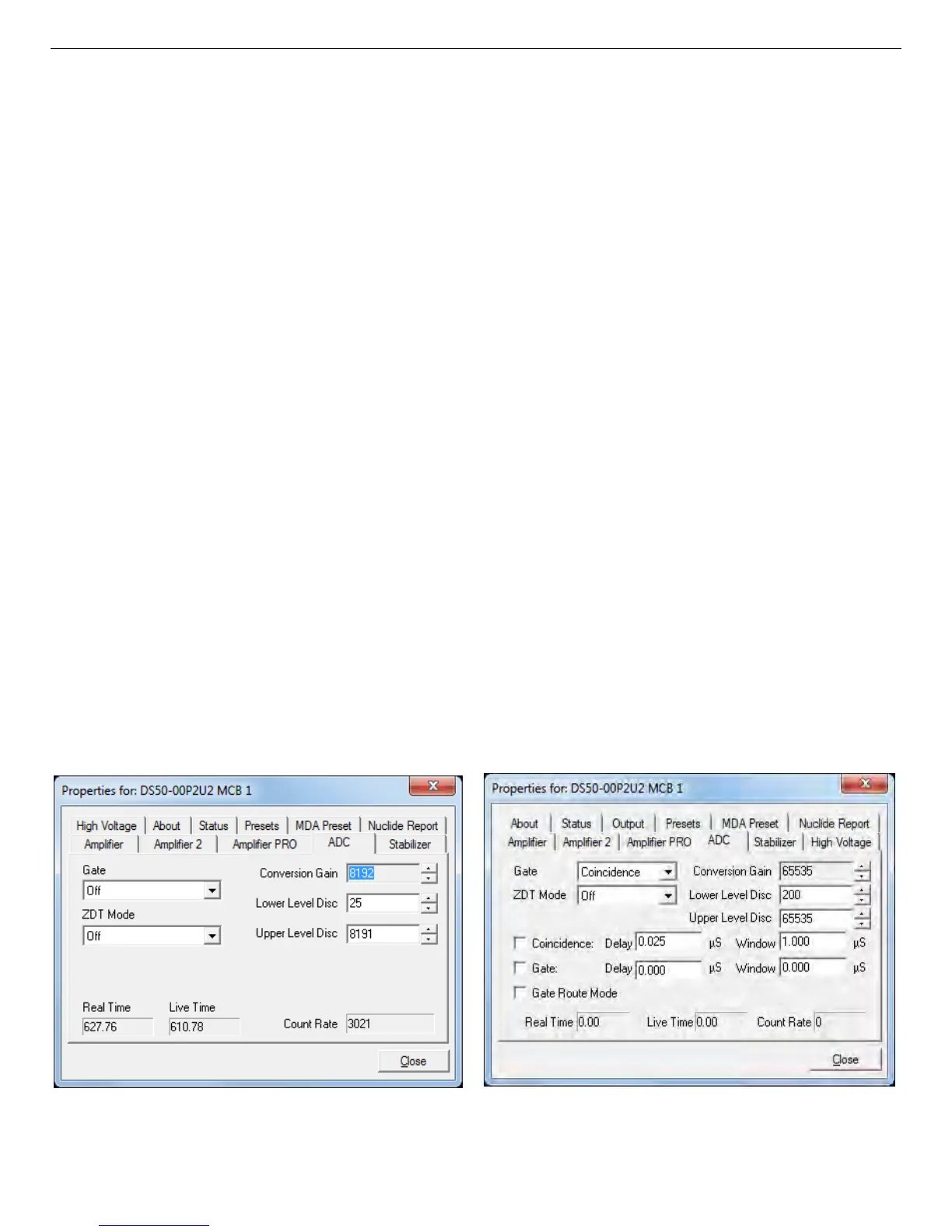
Figure 38. DSPEC 50 ADC Tab.
Figure 39. DSPEC 50A ADC Tab.
10) At this point, the Resolution Enhancer is now “trained” for the current peak shape para-
meters and the learning mode should be turned off by returning to the Amplifier PRO tab
and unmarking the Resolution Enhancer checkbox. The table of adjustments will be
stored in the DSPEC 50's memory.
11) If you change any parameters that affect peak shape, you must repeat this “training”
procedure.
12) Once the Resolution Enhancer has been trained and its checkbox has been unmarked, the
Stabilizer tab once again operates on the gain stabilizer (that is, it no longer adds values
to the table of adjustments).
NOTE The peak selected for the gain stabilizer can be different from the peak used for
training the Resolution Enhancer.
13) To turn off the Resolution Enhancer, mark its checkbox to turn on the learning mode, go
to the Stabilizer tab and click the Initialize button for the gain stabilizer. This will set the
adjustment to zero. Now return to the Amplifier PRO tab and unmark the Resolution
Enhancer box.
4.4. ADC
This tab (Fig. 38 and 39 for the Standard and Advanced tabs respectively) contains the Gate,
ZDT Mode, Conversion Gain, Lower Level Discriminator, and Upper Level Discriminator
controls. In addition, the current real time, live time, and count rate are monitored at the bottom
of the dialog.
49



 To Next Page