4. Operation
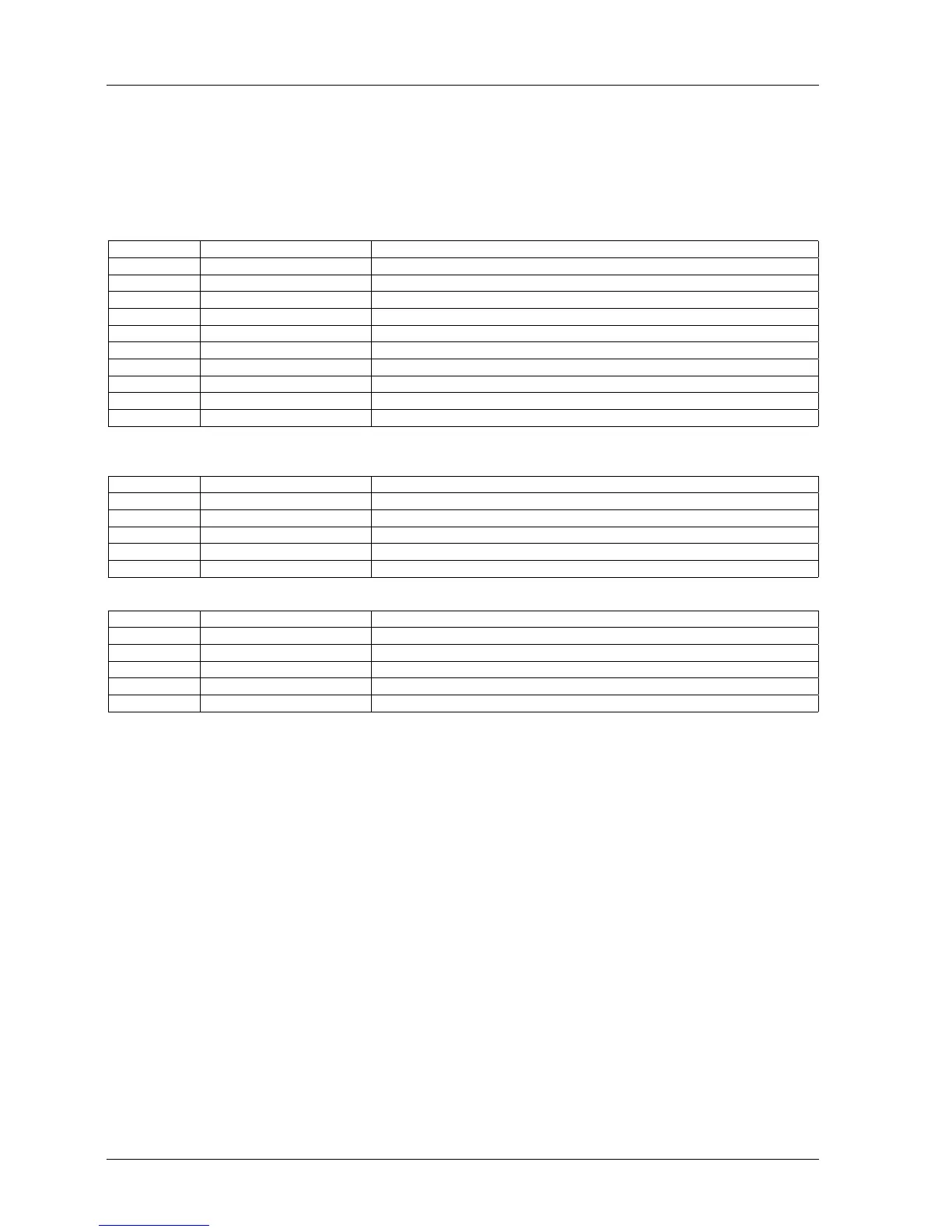
4.1 Operation Mode Reference Tables
Transport Modes
MODE CONTROL EXPLANATION
Stop STOP Tape motion stops.
Play PLAY Tape moves from Supply to Take-up at the currently selected speed.
F.Fwd F.FWD Tape moves from Supply to Take-up at Fast Wind speed.
Rewind REWIND Tape moves from Take-up to Supply at Fast Wind speed.
Record * RECORD or RECORD + PLAY Any channel in Record Ready begins to record.
Rehearse REHEARSE The track in Ready mode changes to INPUT monitor when the Punch In is performed.
Edit Ready EDIT in Stop mode Transport is ready for Edit or Edit Play mode.
Edit Play PLAY in Edit Ready mode Tape moves towards Take-up reel but Take-up reel does not turn (Dump Edit).
Cue CUE in Rewind or F.Fwd mode Lifters will be retracted to allow audio to be monitored.
Vari Speed Speed Mode switch to Vari Tape speed is controlled by the Pitch Control.
* Selected with SW 1-2 on Transport Control PCB.
Audio Channel Modes
MODE CONTROL EXPLANATION
Ready READY/SAFE switch to READY The selected channel will enter Record when the RECORD and PLAY buttons are pressed.
Safe READY/SAFE switch to SAFE The selected channel will not enter Record.
Input Monitor Monitor Select switch to INPUT The signal at the OUTPUT connector for that channel is present the signal at the INPUT connector.
Sel·Rep Monitor Monitor Select switch to SEL·REP The signal at the OUTPUT connector is the signal on tape reproduced by the Record Head.
Repro Monitor Monitor Select switch to REPRO The signal at the OUTPUT connector is the signal on tape reproduced by the Reproduce Head.
Auto Locator Modes
MODE CONTROL EXPLANATION
Set mode SET button Tape locations can be entered for Cue Points using the ZERO, 1, 2, 3, REPEAT mode and CLR keys.
Repeat mode REPEAT + two SEARCH keys Tape plays from 1st to 2nd Cue Points, then rewinds to 1st and repeats.
Search SEARCH 1/2/3 Tape is moved to the Cue Point at Fast Wind speed and stops.
Search Zero SEARCH ZERO Tape is moved to 0:00:00 at Fast Wind speed and Stops.
Search Play PLAY + SEARCH 1/2/3 Tape is moved to the Cue Point at Fast Wind speed where it enters Play.
4.2 Modes of Operation
4.2.1 Transport Modes
Play mode
In Play mode, the tape moves from Supply reel to Take-up reel at the currently selected
tape speed. To enter Play mode, press PLAY. The lamp on the PLAY button will become
illuminated. Play mode can be entered from any mode except Edit Ready and Search
modes.
Fast Forward mode
In Fast Forward mode, the tape moves from the Supply reel to the Take-up reel at Fast
Wind speed. To enter Fast Forward mode, press F.FWD. The lamp on the F.FWD button
will become illuminated. Fast Forward mode can be entered from Stop, Play, Rewind and
Record modes.
Rewind mode
In Rewind mode, the tape moves from the Take-up reel to the Supply reel at Fast Wind
speed. To enter Rewind mode, press REWIND. The lamp on the REWIND button will
become illuminated. Rewind mode can be entered from Stop, Play, Fast Forward and
Record modes.
MX-5050mkIV-2/BIII-2 Operation and Maintenance Manual
20 1999-02



 To Next Page