54
OTICON AGIL FITTING GUIDE
55
Other Tools
Acoustics:
Use the Acoustics tool to change vent size or dome type.
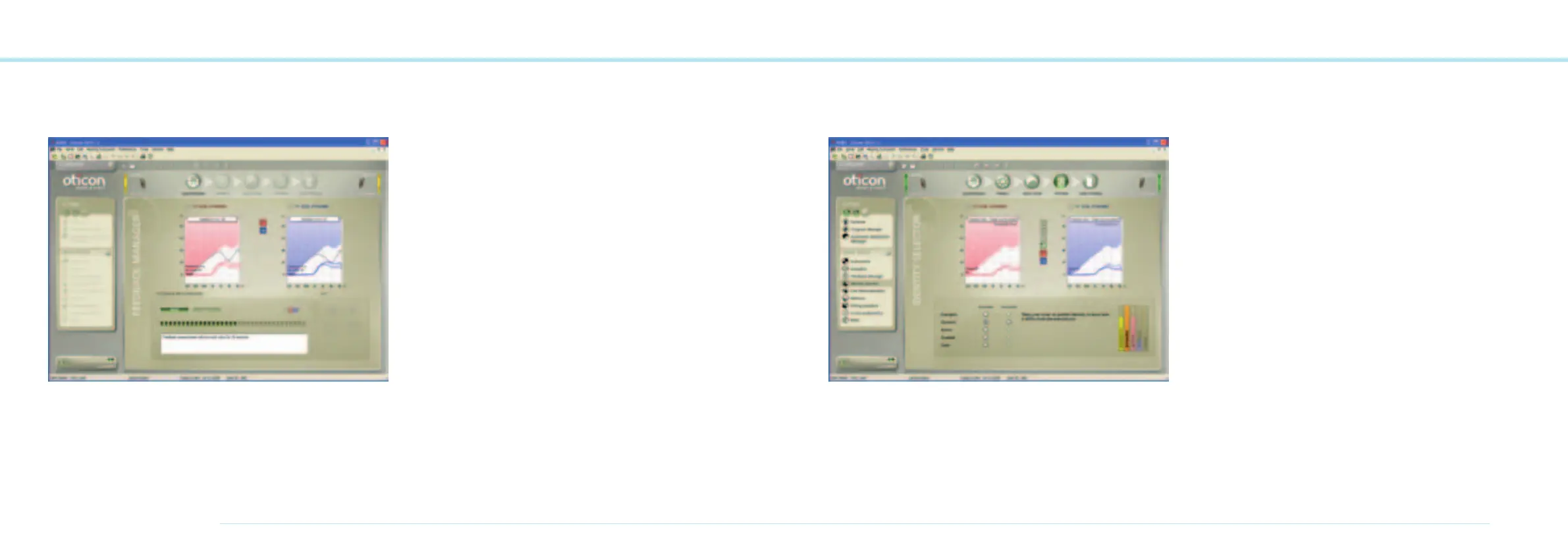
Feedback Manager:
This is a fast and effective way to set the instrument’s feed-
back limits to ensure that no static feedback is present.
If feedback occurs, run the FBM from P1. The feedback limits
will be applied to all programs in the hearing instrument.
For RITE Power fittings only:
In order to achieve best possible sound quality and avoid
feedback, run the Feedback Manager before ending the fitting
session.
Note: It is not possible to adjust the controls above the new
feedback limit. Gain limits applied to the control setting
depend on whether the DFC
2
system is active or not.
This means that gain can be increased more when the DFC
2
is enabled.
All Oticon Agil instruments have Dynamic Feedback Cancel-
lation
2
that contributes to the instruments’ superb sound
quality.
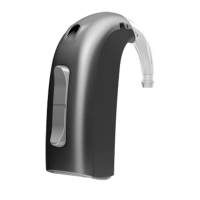
Identity Selector:
In the Identity Selector you can change between the different
identities. If any fine tuning has been done in the current
Genie session, it is also possible to change between fine tuned
and prescribed identities.
With the VAC rationale there are 5 identities to choose from
and with the NAL NL1 rationale there are 3.
Note: Identities and the Identity Selector are not available
for the DSL v5.0a rationale.



 To Next Page