52
OTICON AGIL FITTING GUIDE
53
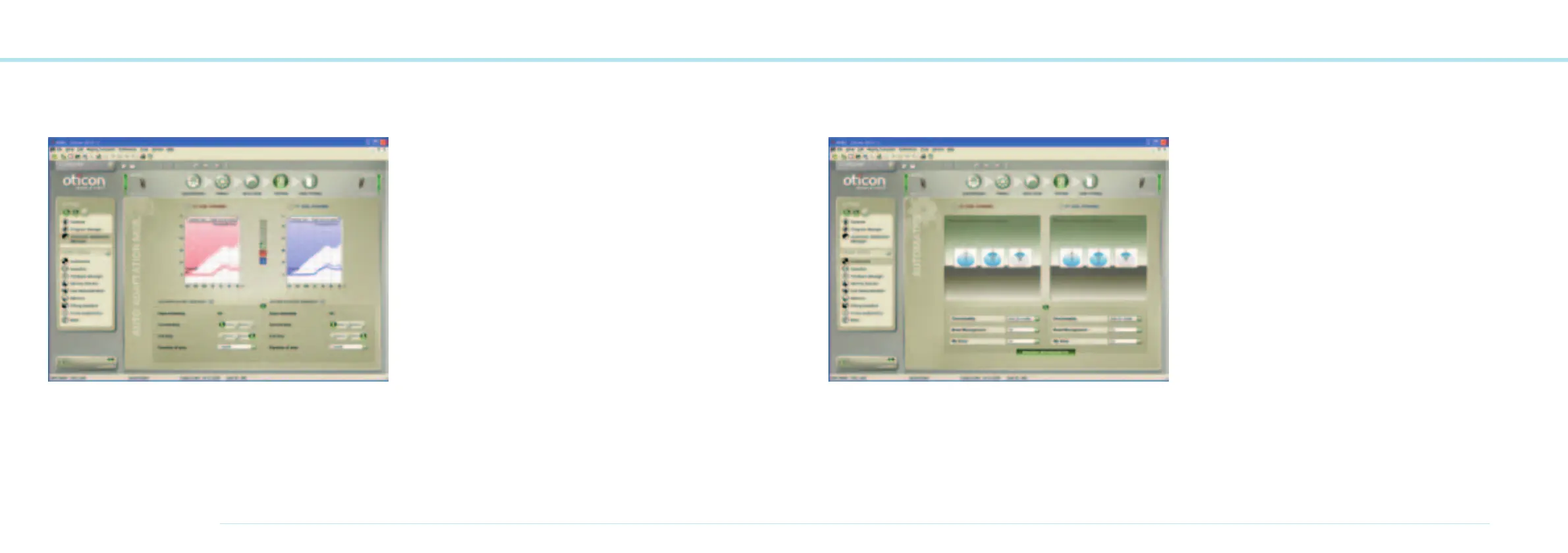
Automatic Adaptation Manager
The three step Adaptation Manager helps clients gradually
adjust to the full response of hearing instruments.
Set the Adaptation Manager
1. New users
2. Semi-experienced and experienced users
3. Experienced users.
Verify the prescribed setting, for example by using the various
built-in sounds and sound environments in Genie.
Automatic Adaptation Manager
Specifying the transition time between steps allows for
an automatic and smooth acclimatisation period.
1. Check to activate the Automatic Adaptation Manager.
2. Set the initial and final step for the adaptation process.
3. Specify the adaptation time.
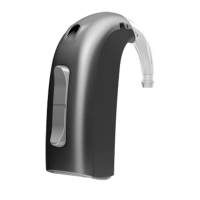
Automatic Features
In the Automatics section you can enable or disable the Auto-
matics in Oticon Agil instruments.
Multiband Adaptive Directionality is designed to provide
benefit from Directionality in situations where the Speech-
to-Noies can be improved. Through Binaural Broadband
the Multiband Adaptive Directionality in Oticon Agil Pro is
synchronized between right and left hearing instruments.
TriState Noise Management uses VoiceFinder to detect if
speech in present or not. Noise Reduction will be applied to
provide comfort in noisy situations without compromising
important speech cues. Binaural Broadband will ensure that
the information in Oticon Agil Pro is synchronized between
right and left hearing instruments to ensure best possible
speech understanding in any environment.
My Voice in Oticon Agil Pro is able to recognize the client’s own
voice. This information is used by TriState Noise Management
to ensure that the cllient’s own voice does not affect the
amount of Noise Reduction.
Binaural Broadband is available for Oticon Agil Pro only and
controls the synchronisation between the two hearing
instruments. Binaural Broadband is default on. If disabled
this will also disable the binaural coordination of push button
operations.



 To Next Page