Otoport OAE+ABR
User Manual for Otoport Lite model
45
Getting started
4.2 Logo screen
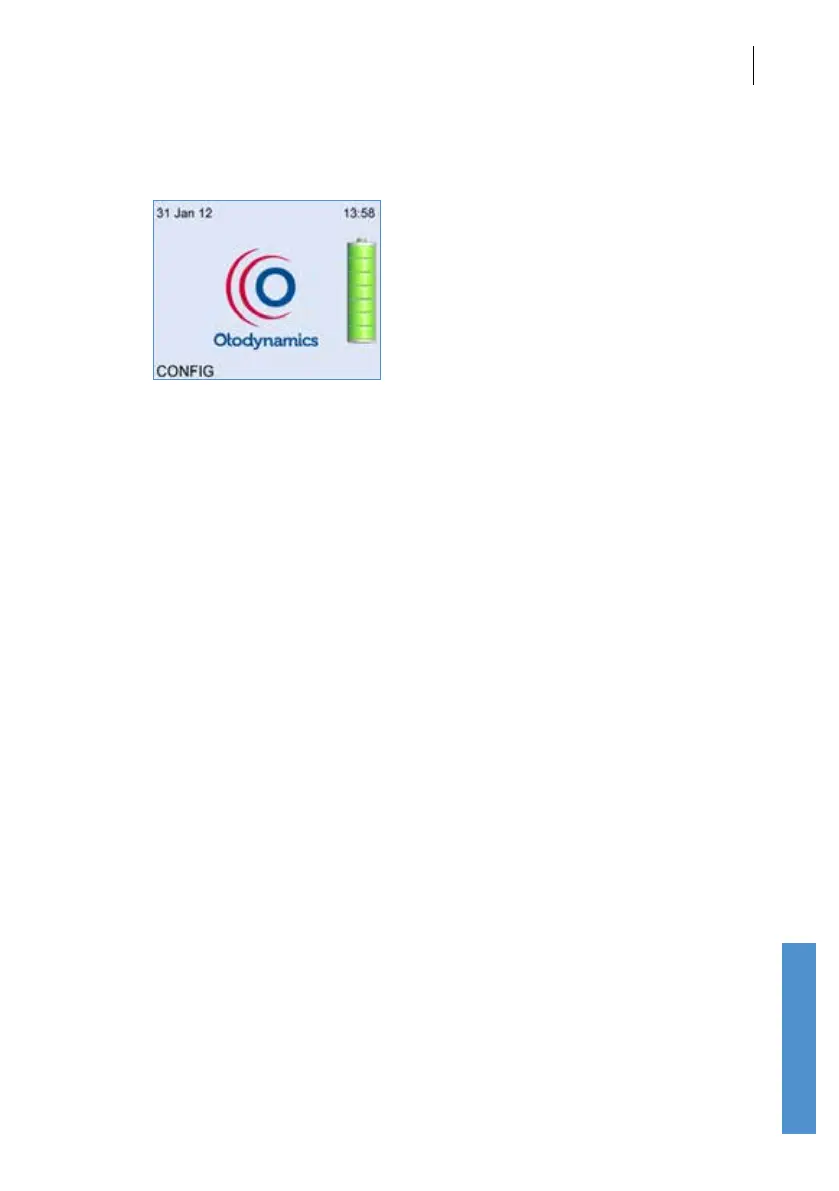
Following switch on, an Otodynamics logo animation is displayed whilst the
device performs a series of hardware system checks. In the unlikely event
of any of the systems checks failing, an error message will be displayed
(see section
19.5 Hardware fault messages for details).
A battery graphic will appear to the right of the logo to provide an indication
of the Battery Power remaining. Please refer to chapter
18 Power for
battery information.
A prompt will be shown if the Otoport is due to be calibrated (see chapter
22
Calibration).
The date and time are also shown at the top of the screen and can be reset
if necessary via the Conguration menu (see chapter 11).
Selecting Cong during start up takes the user to the Conguration menu
where probe test, test settings, date, time, system details and users may
be viewed or edited (see chapter
11 Conguration).



 To Next Page