CHAPTER FOUR
Switching on
46
Switching on
4.3 Login
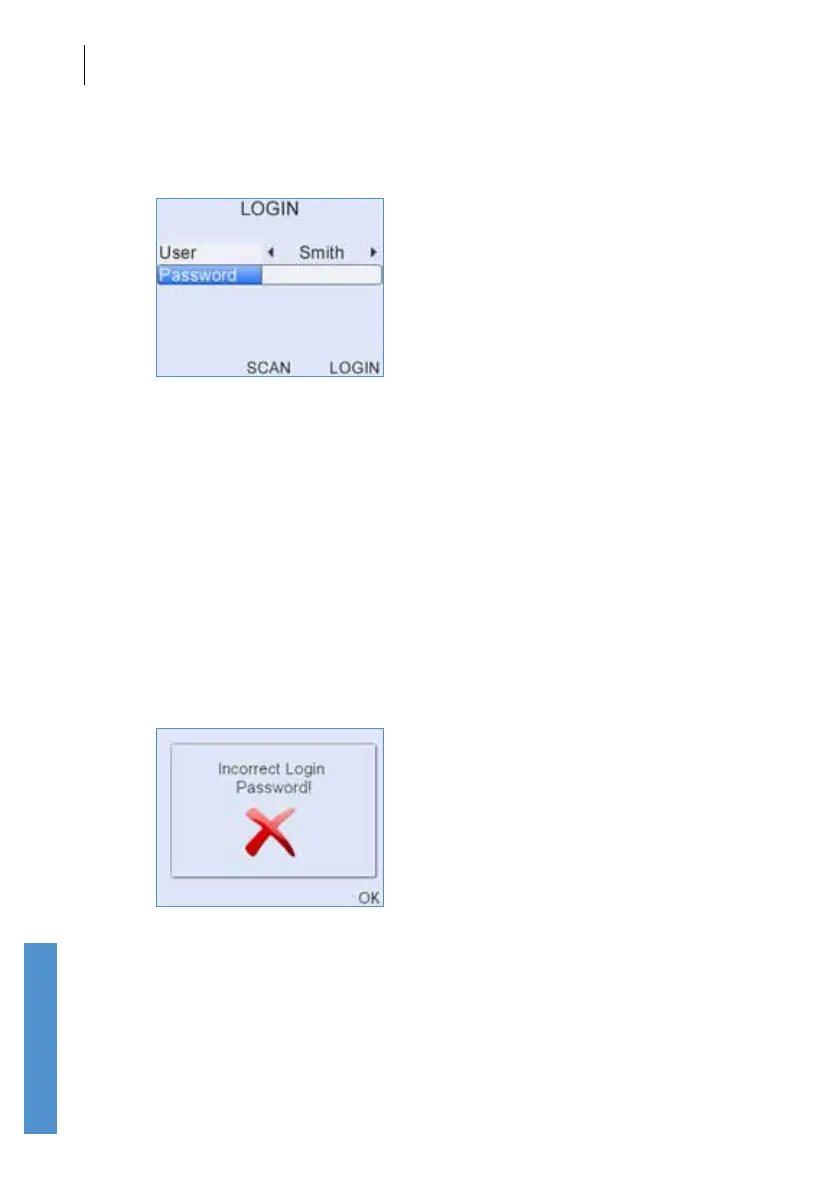
If Login is on (see section 11.6) the login screen will be displayed and the
user will be required to enter a name and password.
Use the left and right arrow keys to choose the correct user name from the
choice bar.
After the user is selected, use the data entry keypad to enter a
corresponding Password, if required for that user.
To improve security during Login, a * symbol will replace each character
as it is entered in the Password eld. To review charcters that have been
entered, simply scroll back through the * using the left and right arrow keys.
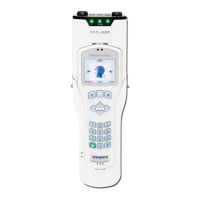
When the User and Password have been chosen, select Login to access
the device. If the Password has been entered incorrectly, a warning
message will appear as below:



 To Next Page