CHAPTER SEVEN
OAE test procedure
72
OAE test procedure
7.4 Quick Save option
The options available from the test result screen depend on the Quick
Save option (see chapter
11 Conguration)
7.4.1 Quick Save On
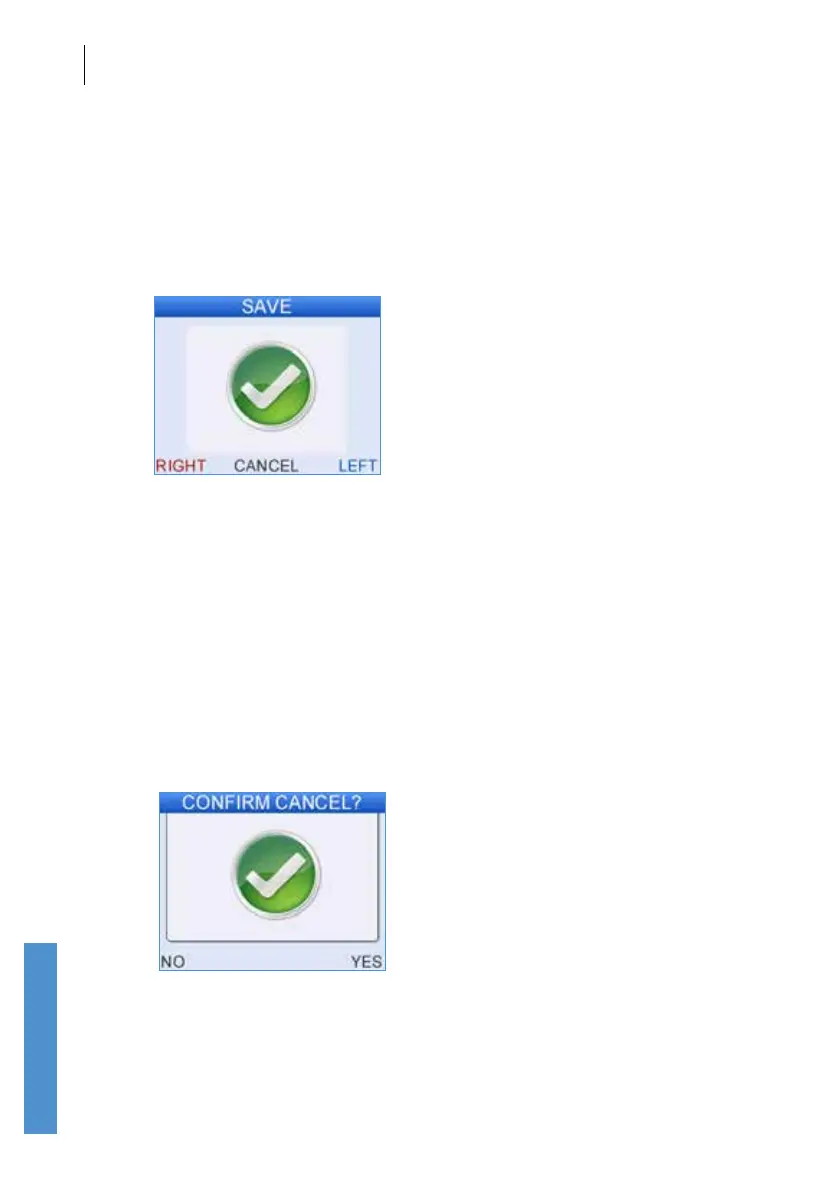
If Quick Save is On, select Left to save the test to the left ear, or Right to
save to the right ear.
The test will be saved to the current patient or will be given an automatic
ID and name. This name and ID may be edited by selecting Last from the
main menu screen (see section
7.8).
If Automatic print is selected (see chapter 11 Conguration), the print
routine will be activated at this stage. After printing or immediately after
saving, the unit will return to the Main Menu.
Select Cancel to proceed without saving the test. The user will be
prompted to conrm Cancel without save.



 To Next Page