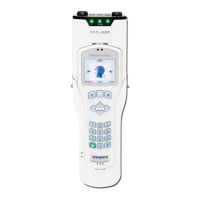
Otoport OAE+ABR
User Manual for Otoport Lite model
47
Switching on
4.4 Main menu
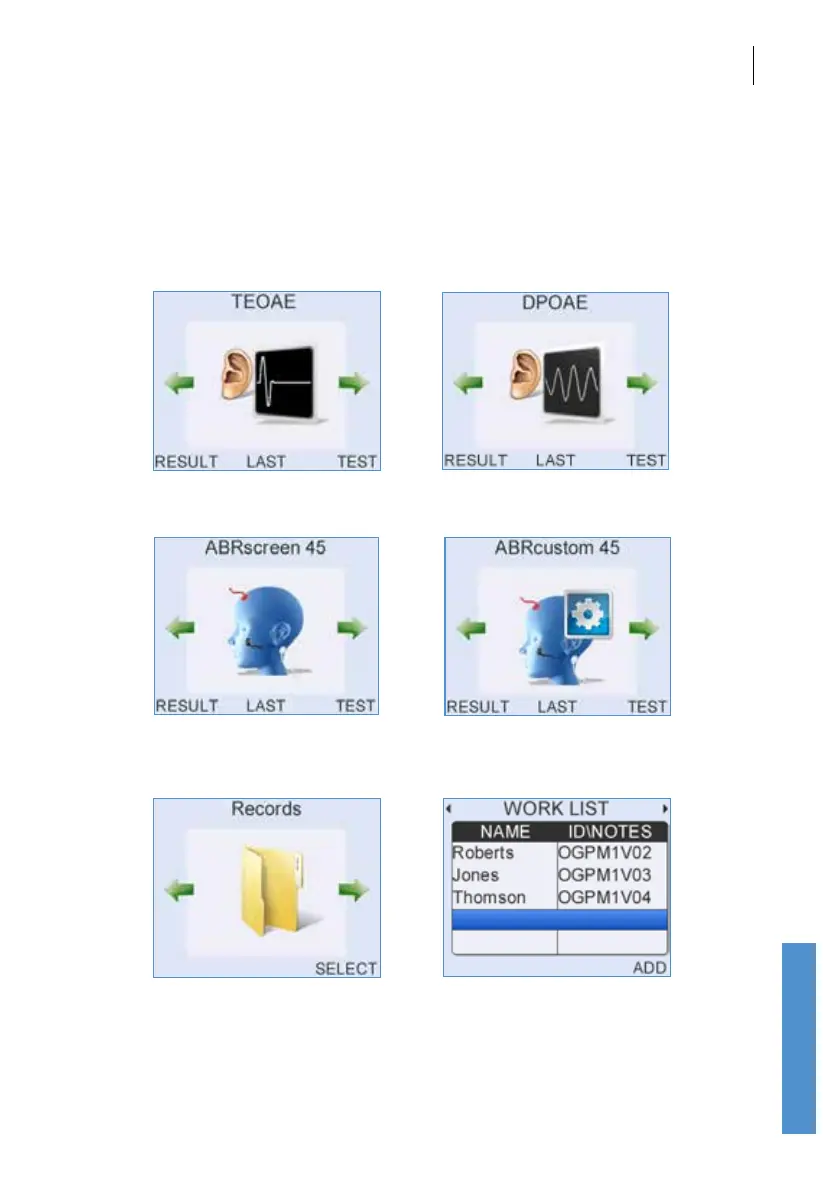
You are then presented with the main menu screen. From here you can
view the Result of the last test, select the Last patient tested or perform
a Test. The heading on the screen indicates whether the Otoport is a
TEOAE or DPOAE model.
TEOAE model DPOAE Model
Use the left and right arrows to access Records and the Work List. See
chapters 10 and 9 for further details.
OAE+ABR model ABRcustom only available if congured
(see chapter 15)



 To Next Page