Otoport OAE+ABR
User Manual for Otoport Lite model
67
OAE test procedure
7.3 DP test (DPOAE model)
During testing the Otoport plays pairs of tones at dierent frequencies
into the ear and records the response. The OAE signal is very small and
dicult to distinguish from the noise made by other sounds in the room
and by the patient. The longer the Otoport records for, the easier it is
to distinguish the OAE signal from the noise. The Otoport looks at the
ratio of the OAE signal to the noise; this is known as the Signal to Noise
Ratio or SNR. The Otoport measures the SNR in a number of dierent
frequencies. The pass criteria is set in the Conguration area (see
chapter 11 Conguration). The default pass criteria is an SNR of 6dB and
a minimum signal of >-5dBSPL in at least three frequency bands.
It is the responsibility of the user to ensure that the pass criteria set meet
their requirements.
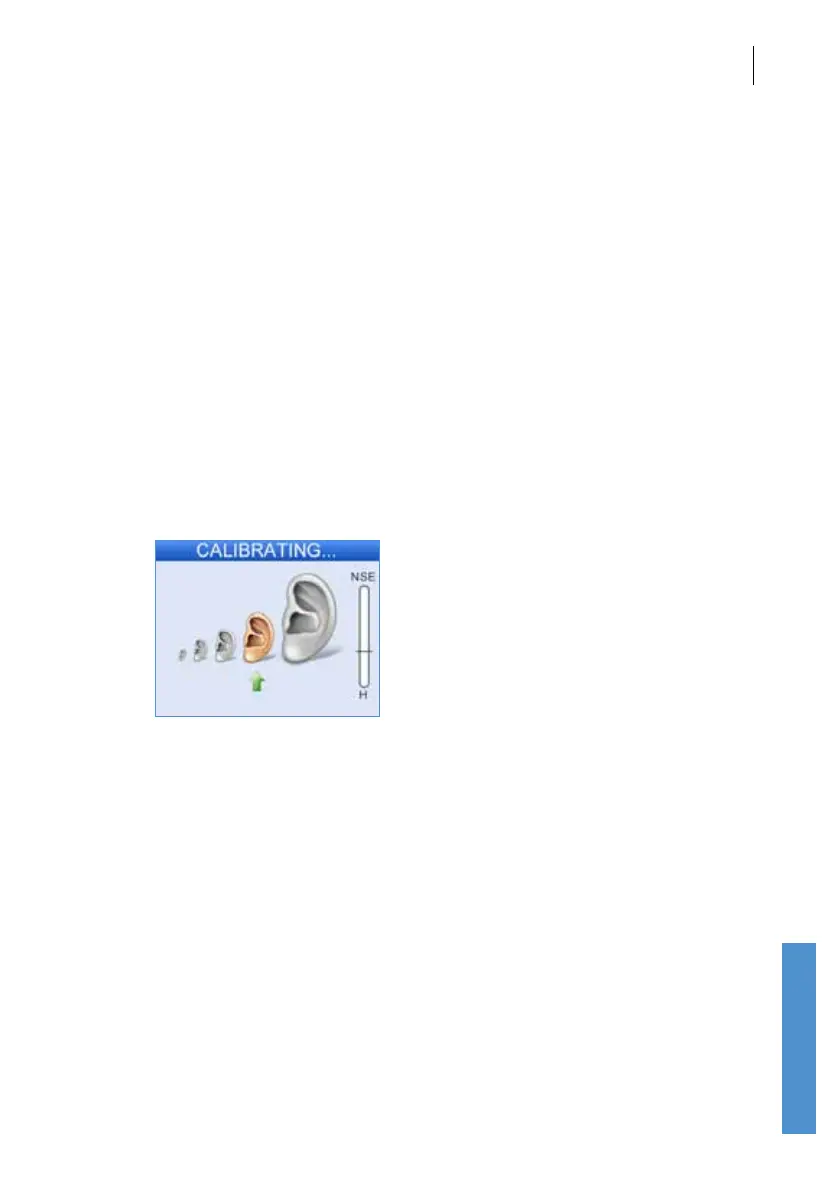
7.3.1 DP stimulus calibration
Before starting the test the Otoport will calibrate the levels of the stimulus
tones which are to be used in the test. This is necessary to account for the
acoustic properties of individual patients’ ear canals. If the required levels
cannot be reached then the Otoport will display the message Unable to
calibrate. Check probe t and return to the checkt screen.
If calibration fails, check the probe t and check that the probe coupler
tubes are clear. Excessive noise may inhibit calibration, so ensure
environmental noise levels are low. Make sure a DP (UGD - grey) probe is
connected to the Otoport and not a TE (UGS - red) probe.



 To Next Page