CHAPTER SEVEN
OAE test procedure
76
OAE test procedure
7.6.1 Select left or right ear
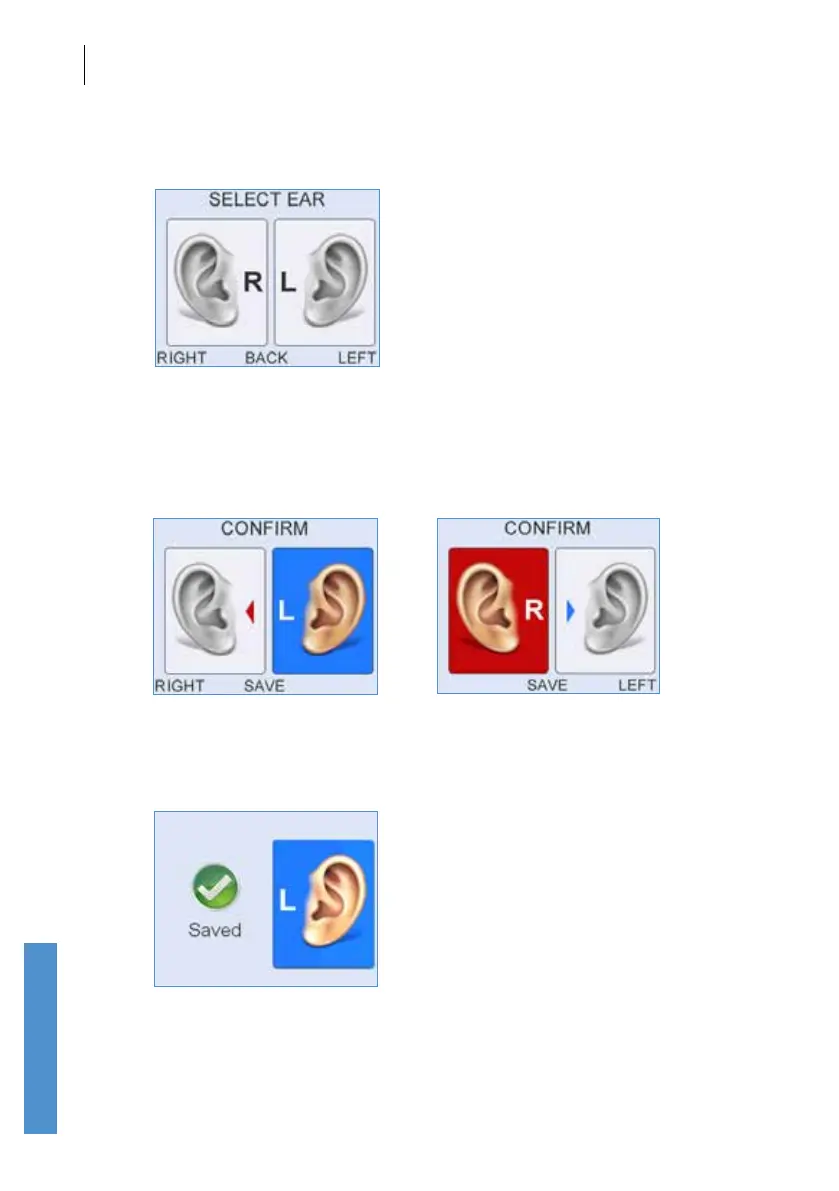
The Select Ear screen represents the patient facing you. By defaulting to
a No Ear Choice the Select Ear screen forces the user to choose an ear
before the test can be saved. Press the right control key or the right arrow
to select the Left Ear or press the left control key or the left arrow key to
select the Right Ear.
When the correct test ear has been selected press Save to save the test
record to the database. A screen will be displayed briey which conrms
the test has been saved.



 To Next Page