Otoport OAE+ABR
User Manual for Otoport Lite model
99
Records
10.1.1 Details
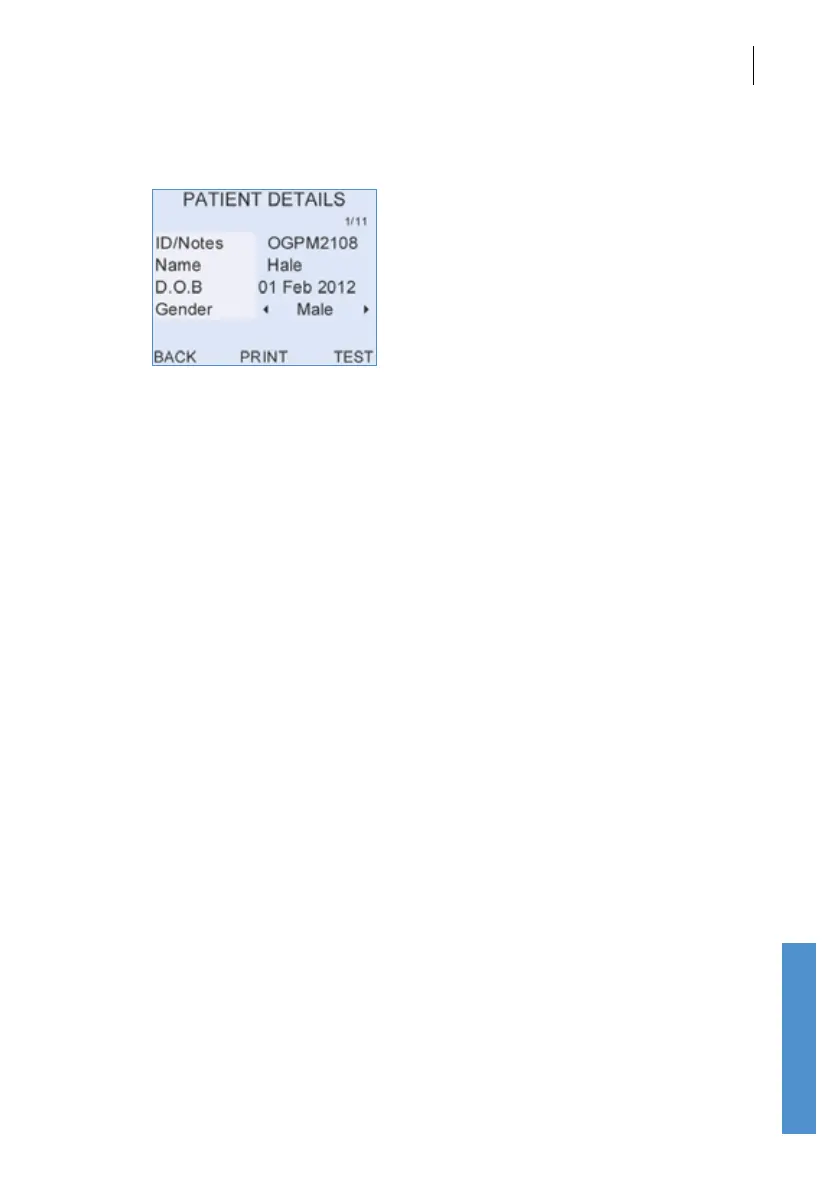
The Patient Details screen allows the user to see the ID/Notes eld,
Name, Date of Birth (DOB) and Gender stored for a particular patient.
Selecting Test from this screen starts a new test, the result of which will be
saved with the records of the selected patient.
Selecting the up and down arrow keys on the patient details screen
displays the patients before or after the current patient in the patient list.
Selecting the left and right arrow screens displays the test results for the
selected patient.
Select Back to return to the Patient list.



 To Next Page