27 UpdatingFirmware
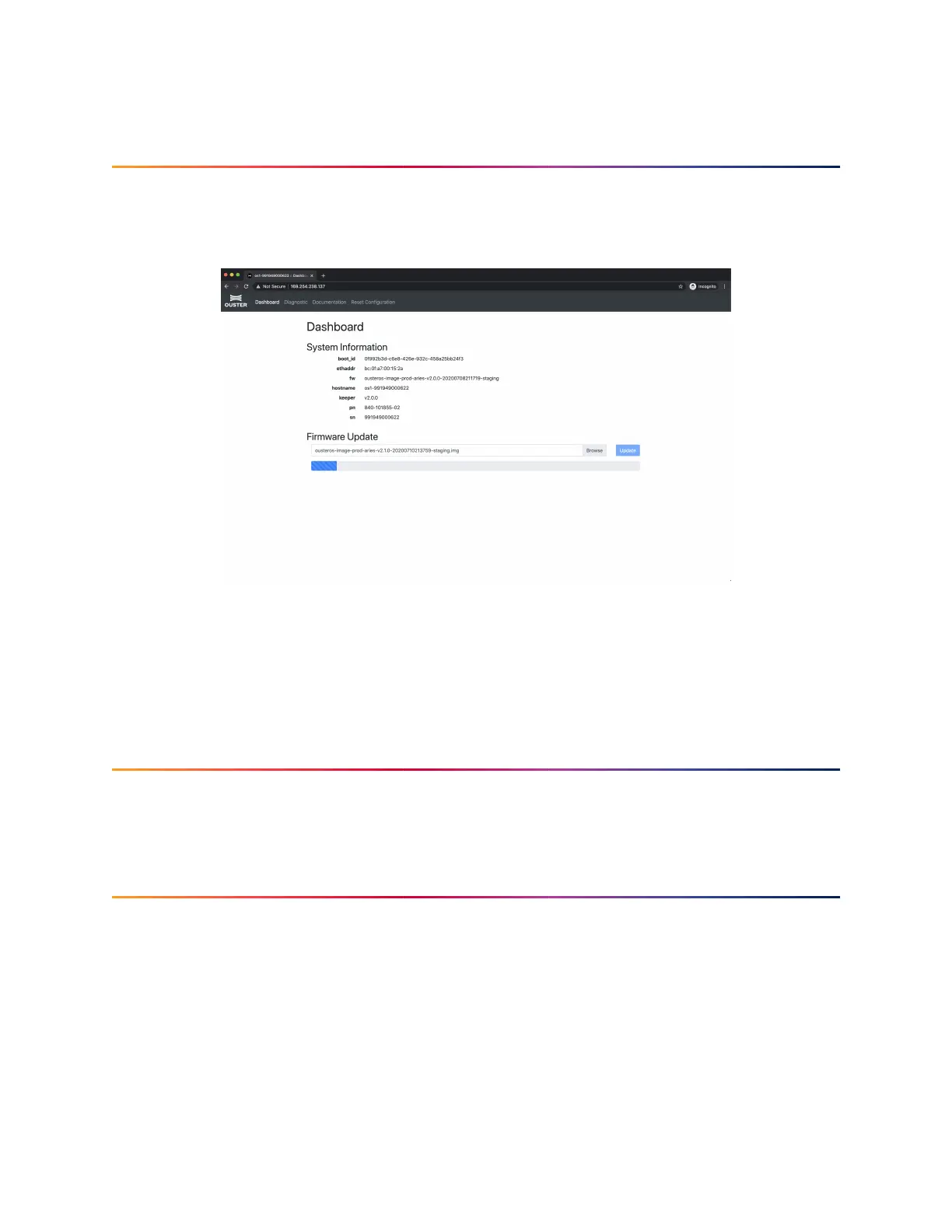
Sensor firmware can be updated with an Ouster-provided firmware file from
www.ouster.com/resources (or directly from the deployment engineering team) by accessing
thesensor overhttp- e.g.,http://os1-991900123456.local/and uploadingthefile asprompted.
Figure27.1: Uploading anew firmwareimage ontothe sensor
Always check your firmware version before attempting an update. Only update to a equal or higher
versionnumber. Donotroll back firmwaretolowernumberedversionswithouthavingbeeninstructed
todoso byOusterdeploymentengineering.
28 BestPractices
Pleasecheck backlater for bestpracticesanduse casesforusing yourOuster sensor.
29 Changelog
99


 To Next Page