41
OutBack Power Systems Inc.
After con rming the Upper Limit and Lower Limit voltages, press the <> soft key in the MAIN
Menu. Press the <GO> soft key to advance to the rst MISC screen. From this screen, you can
access MISCELLANEOUS Screen 2.
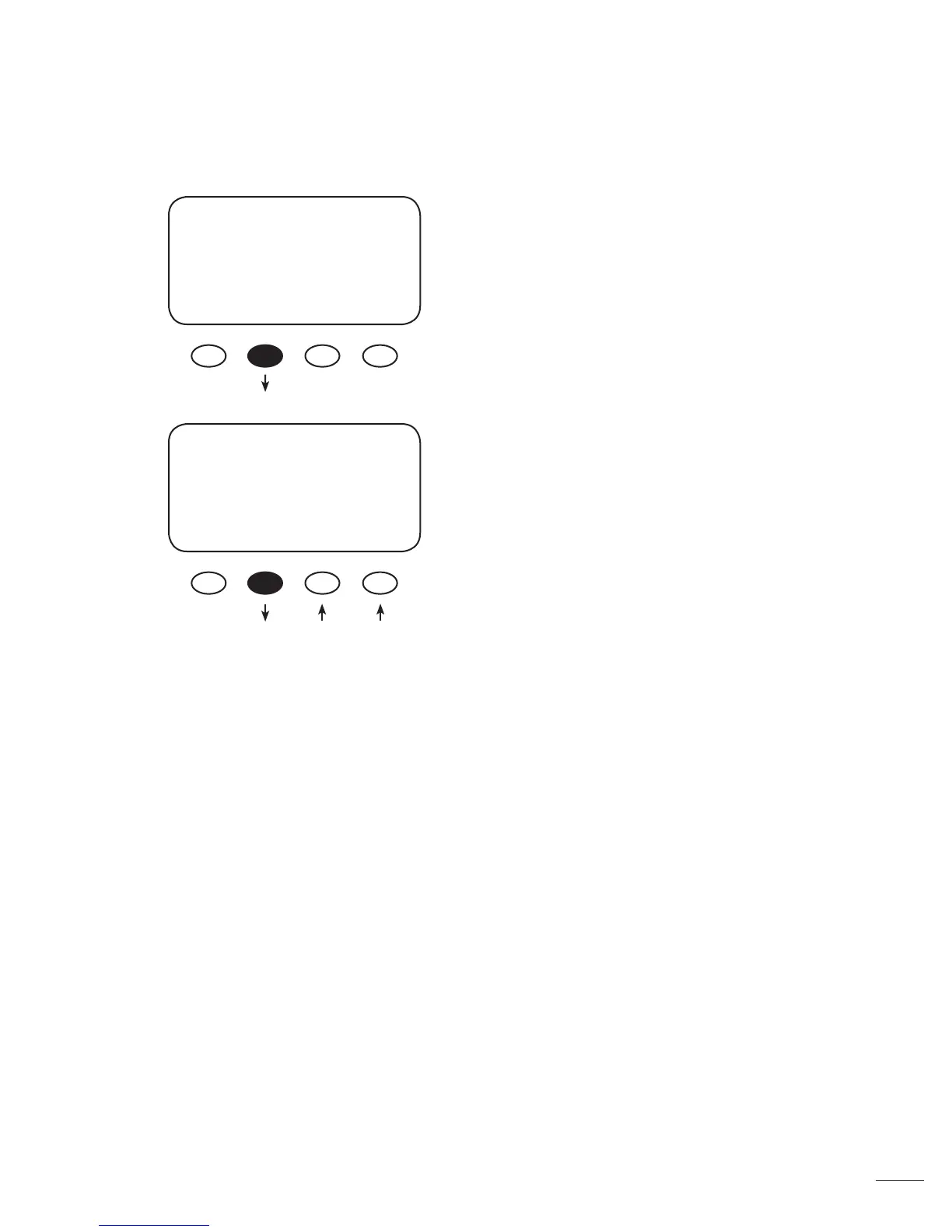
From the MISC screen, press the <NEXT> soft key to
view the FORCE, FLOAT, or BULK screen.
Pressing the <FLOAT> or <BULK> soft key forces the
MX60 to that speci c recharging cycle and returns to
the STATUS screen. Forcing a FLOAT or BULK recharge
will end an EQ cycle. Press the <NEXT> soft key to
view the third MISCELLANEOUS screen.
• Force FLOAT = oat cycle
• Force BULK = bulk cycle
GT State PWM% ChgT
255 07 50.0 005
Tmp Comp a14.4 f13.6
EXIT NEXT WIDE RSTRT
FORCE
EXIT NEXT FLOAT BULK



 To Next Page