16
Connections for SDTV
To use the set-top box with standard-definition TVs, you need to use one of the
following connections to view SD content. For more information about making SDTV
connections, check the owner’s manual for your TV and the appropriate connection
diagrams in this manual.
Note: The labeling on your SDTV may vary slightly from the illustrations shown in the
table.
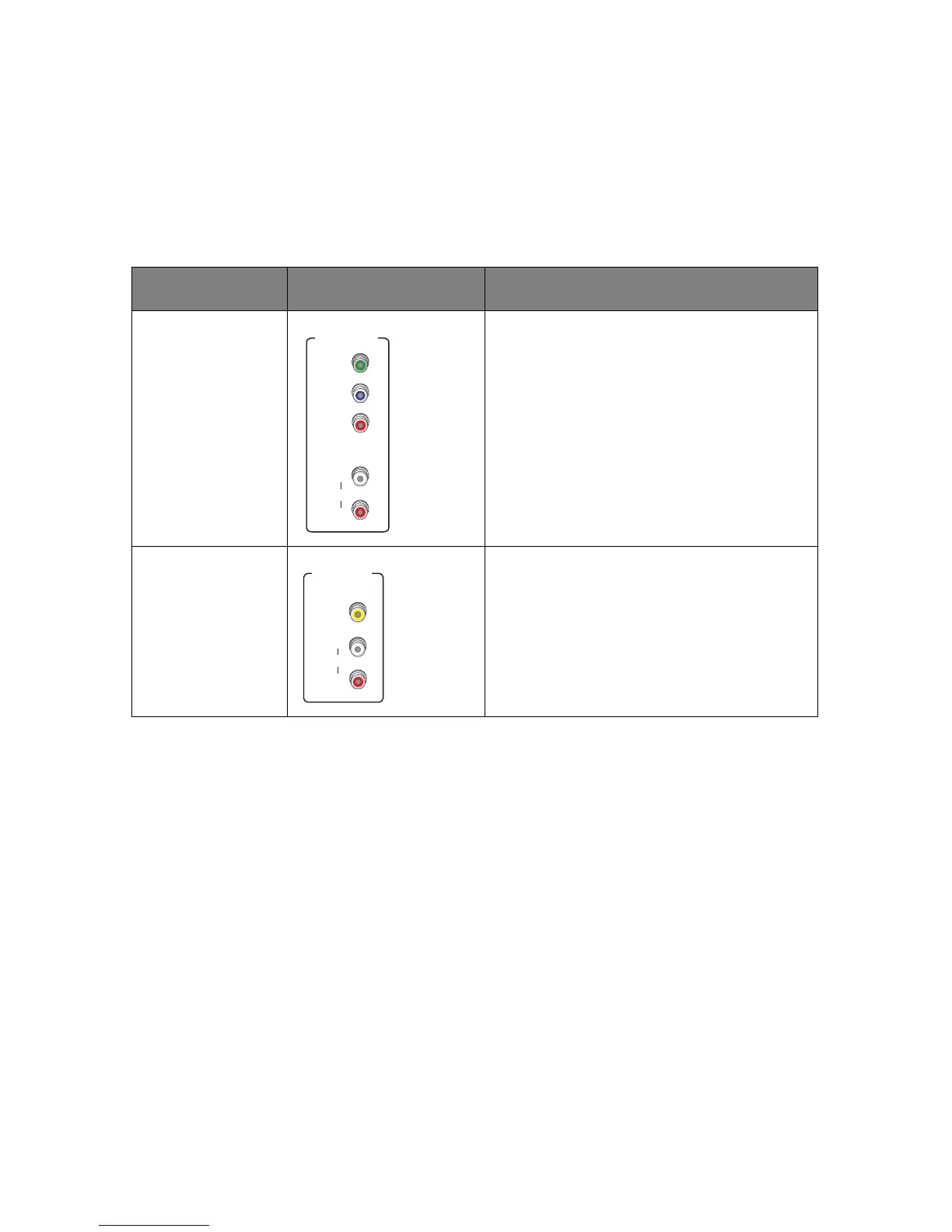
Name Connector Description
Component video Provides the SD connection using the
component video input on the TV. For
standard audio, use the Audio L/R RCA
connectors. For connection information
using component video, see “Using a
component video connection with analog
audio” on page 21.
Composite video Provides the SD connection using the
composite video input on the TV. For
standard audio, use the Audio L/R RCA
connectors. For connection information
using composite video, see “Using a
composite video connection” on page 22.



 To Next Page