24
during testing. See Figure 6.
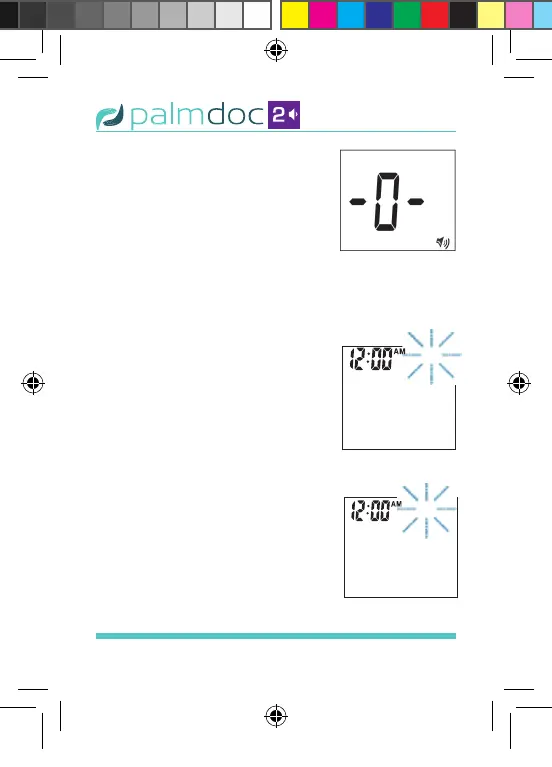
• Number 0 indicates that the
speaking function is turned
off. See Figure 7.
Press the “M” button to select
the speaking volume. Then press
the “SET” button and the year segment will
appear and start ashing. See Figure 8.
STEP 4: Set the Year
Press and release the “M”
button to advance the year.
With the correct year on the
display, press the “SET” button
and the date will appear on
the display with the month
segment ashing. Figure 9.
STEP 5: Set the Date
Press and release the “M”
button to advance the date.
With the correct date on the
display, press the “SET” button
and the month segment will
start ashing. See Figure 10.
Figure 7
Figure 8
Figure 9
Palmdoc 2 User Man.indd 24 24/08/2017 10:49



 To Next Page