EasyManua.ls Logo

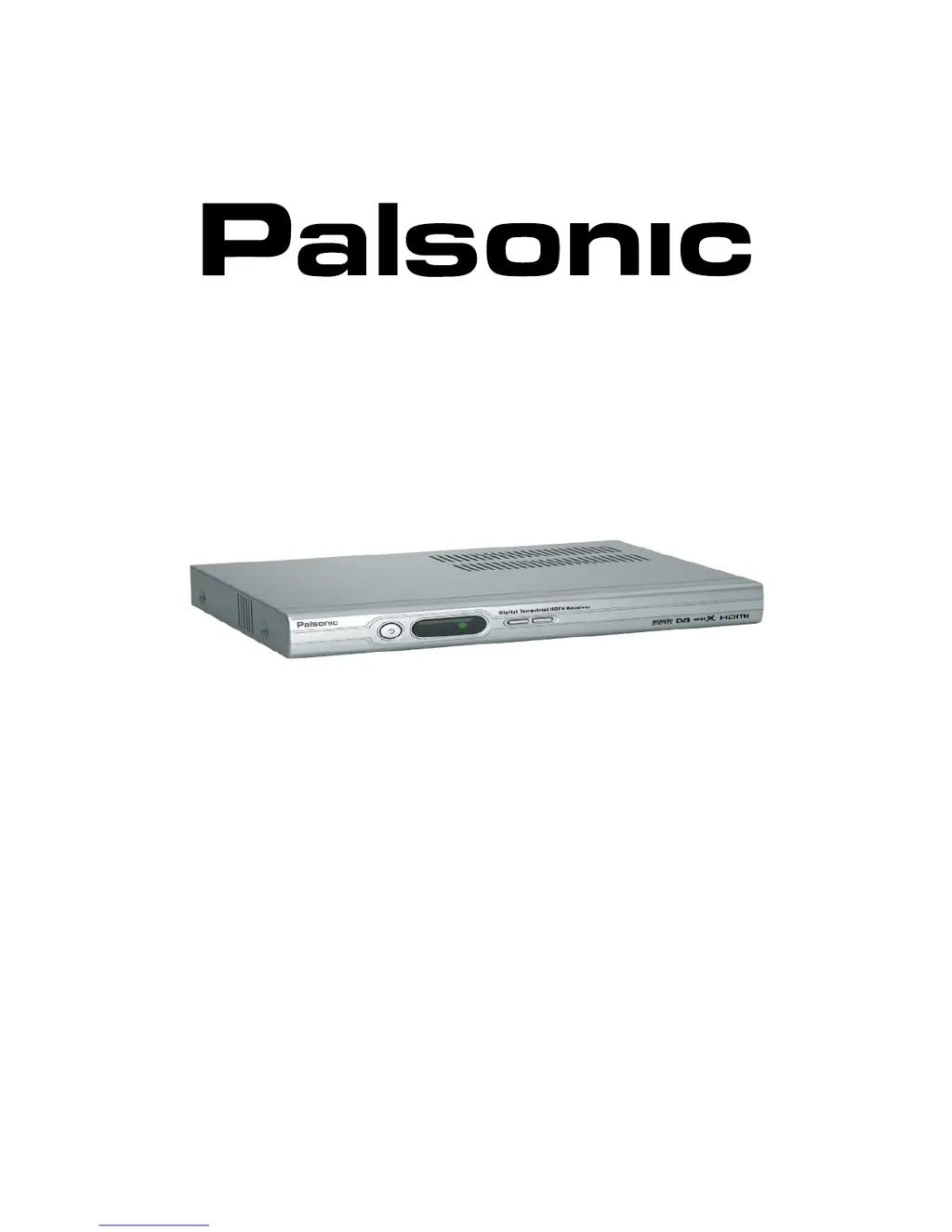
Palsonic HDSTB200 - User Manual

Palsonic HDSTB200
45 pages
Print Icon
To Next Page IconTo Next Page
Loading...
HDSTB200
High Definition Digital Receiver
User Manual
PALSONIC CORPORATION PTY LTD
1 JOYNTON AVENUE
WATERLOO NSW 2017 AUSTRALIA
TEL: (02) 9313 7111
FAX: (02) 9313 7555
www.palsonic.com.au
PALSONIC CUSTOMER SERVICE
TELEPHONE
AUSTRALIA: 1300 657 888

Table of Contents

Questions and Answers

  • H
    Hayley BauerJul 29, 2025
    Why is my Palsonic HDSTB200 remote control not working?
    • T
      Teresa RossJul 29, 2025
      If your Palsonic TV Receiver remote control isn't working, the batteries may be exhausted, the remote might be incorrectly aimed, or something could be blocking the front panel of the HD-STB. Try changing the batteries, aiming the remote directly at the HS-STB, and ensuring nothing obstructs the front panel.
  • E
    Emily SmithAug 2, 2025
    What to do if my Palsonic HDSTB200 TV Receiver picture is pixelated?
    • D
      David FisherAug 3, 2025
      If you're experiencing a pixelated picture on your Palsonic TV Receiver, it could be due to a weak signal or a disconnected antenna. Check the antenna and its connection. Also, check the analog reception of the TV.
  • R
    rrothAug 6, 2025
    What to do if my Palsonic TV Receiver has no sound or picture but the front LED shows RED light?
    • S
      sarah75Aug 6, 2025
      If your Palsonic TV Receiver shows a red light but has no sound or picture, the HD-STB might not be powered on. Press the power button on the front of the unit or on the remote control to turn it on.
  • J
    juan06Aug 10, 2025
    What to do if my Palsonic TV Receiver has sound but no picture, or picture but no sound?
    • D
      Dustin CannonAug 11, 2025
      If the sound is okay but the picture is blank (or vice versa) on your Palsonic TV Receiver, the audio or video connection might not be good. Check the audio/video cable and its connections to ensure they are properly connected.
  • K
    Kristina GarciaAug 15, 2025
    Why is there no picture but sound is OK on my Palsonic HDSTB200?
    • Q
      qdanielAug 15, 2025
      If you have sound but no picture on your Palsonic TV Receiver, the HDTV might not support the selected video resolution. Check the Video Display Mode. Refer to Display Mode Change on page 16 to resolve this.
  • C
    crystal56Aug 19, 2025
    How to fix a Palsonic TV Receiver when the front panel display doesn't light up?
    • D
      David AllenAug 19, 2025
      If the display on the front panel of your Palsonic TV Receiver doesn't light up, it might be due to the power cable not being connected. Check that the power cable is plugged into the AC wall socket.
  • A
    Angela RobertsAug 25, 2025
    Why composite Video S-Video cannot work with PB Zoom on Palsonic HDSTB200?
    • E
      Emma DavisAug 25, 2025
      The composite Video S-Video cannot work with PB Zoom on your Palsonic TV Receiver. It is normal. PB Zoom only works with HD Video Output.

Summary

Important Safeguards

General Safety Precautions

Key safety guidelines for operating the HD-STB, covering installation, power, and environment.

Specific Safety Warnings

Critical warnings regarding electric shock, moisture, opening the unit, and object entry.

Connecting your HD-STB

Antenna Connection

Instructions for connecting the antenna to the HD-STB and for analog reception.

Video Connection Options

Various methods to connect the HD-STB to TVs, including HDMI, YPbPr, S-Video, Composite.

Getting Started

Initial Setup Steps

Step-by-step guide from unpacking to initial display mode setup.

Remote and Channel Setup

Instructions for remote setup, checking display, and performing channel scans.

Using the MENU System

Palsonic HDSTB200 Specifications

General IconGeneral
TypeSet-top Box
High Definition CompatibleYes
Video OutputHDMI, Composite
Electronic Program Guide (EPG)Yes
Video ResolutionUp to 1080i
USB PortYes
Power Consumption10W
Tuner TypeDVB-T