31
Trouble Shooting Guide
Your HD-STB is designed to give you trouble-free performance for many years. If you have a
problem with your HD-STB, try the solutions listed below.
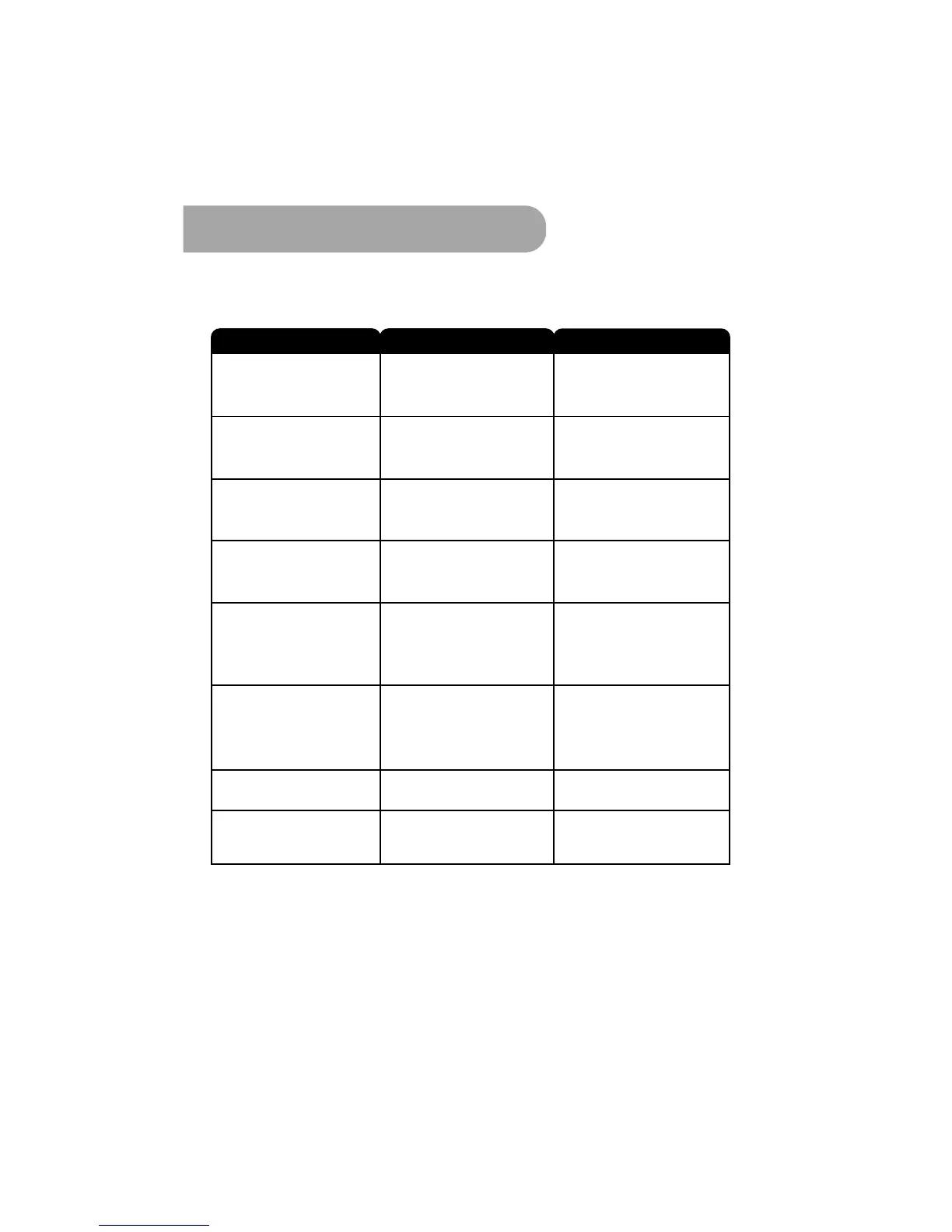
The display on the front panel
does does not up.
Check up the Power cable which
is plugged in to the AC wall
mounted socked.
Power cable is not connected.
The HD-STB is not powered ON.
No Sound or Picture
but the front
LED shows RED light.
Check the antenna or antenna
connection. Simply check the
analog reception of TV.
Signal to weak or No antenna
connect.
Pixelated picture.
Press the power button on the
front or remote controller to
powered ON status.
Check the Video Display Mode.
Refer Display Mode Change
on page 16.
The HDTV does not support
selected Video Resolution.
No Picture, Sound OK.
The Sound is OK but the
Picture is Blank.
The Picture is OK, but the
Sound is Blank.
Audio or Video Connection is
not good.
Check up the Audio/Video
cable or connection.
Battery exhausted.
Remote control is incorrectly
aimed.
Blocked the HD-STB front panel.
Change the batteries.
Aim the remote control at HS-STB
Check that nothing blocks the
front panel.
The remote control is
not working.
The universal TV key is
not working.
TV code is not setting.
Please refer to page 8.
The composite Video
S-Video cannot work with
PB Zoom.
It is normal. PB Zoom is working
only HD Video Output.
Problem
Possible Cause
What to do


 To Next Page