21
Using the MENU System
2. Channel Setup
From here you can adjust Favourite Setup settings or channel search concerning your TV.
After automatic channel scan, you can assign whole scanned channels to TV Favourite
List or Radio Favourite List.
You can change channel list mode by pressing LIST button or FAV button.
Channel Favourites
You can assign any scanned channel to TV Favourite List / Radio Favourite List. After
assigned each channel to Favourite List, then it will appear in FAV Channel list.
Here is the TV Favourite List setup procedure.
1) Press MENU to display the menu.
2) Press DOWN to select the Channel Setup menu.
3) Press OK or RIGHT to enter Channel Setup menu.
4) Press OK or RIGHT to enter Channel Favourites menu.
5) Press OK or RIGHT to enter to TV Favourite edit display.
6) If you want add or exclude individual channel, press RIGHT or OK to
select to individual channel list.
7) In this sub menu, press INFO button for display selected channel signal
status. For quit signal status, press INFO button again. It is useful for
duplicate channel presence.
8) Press Menu to go back.
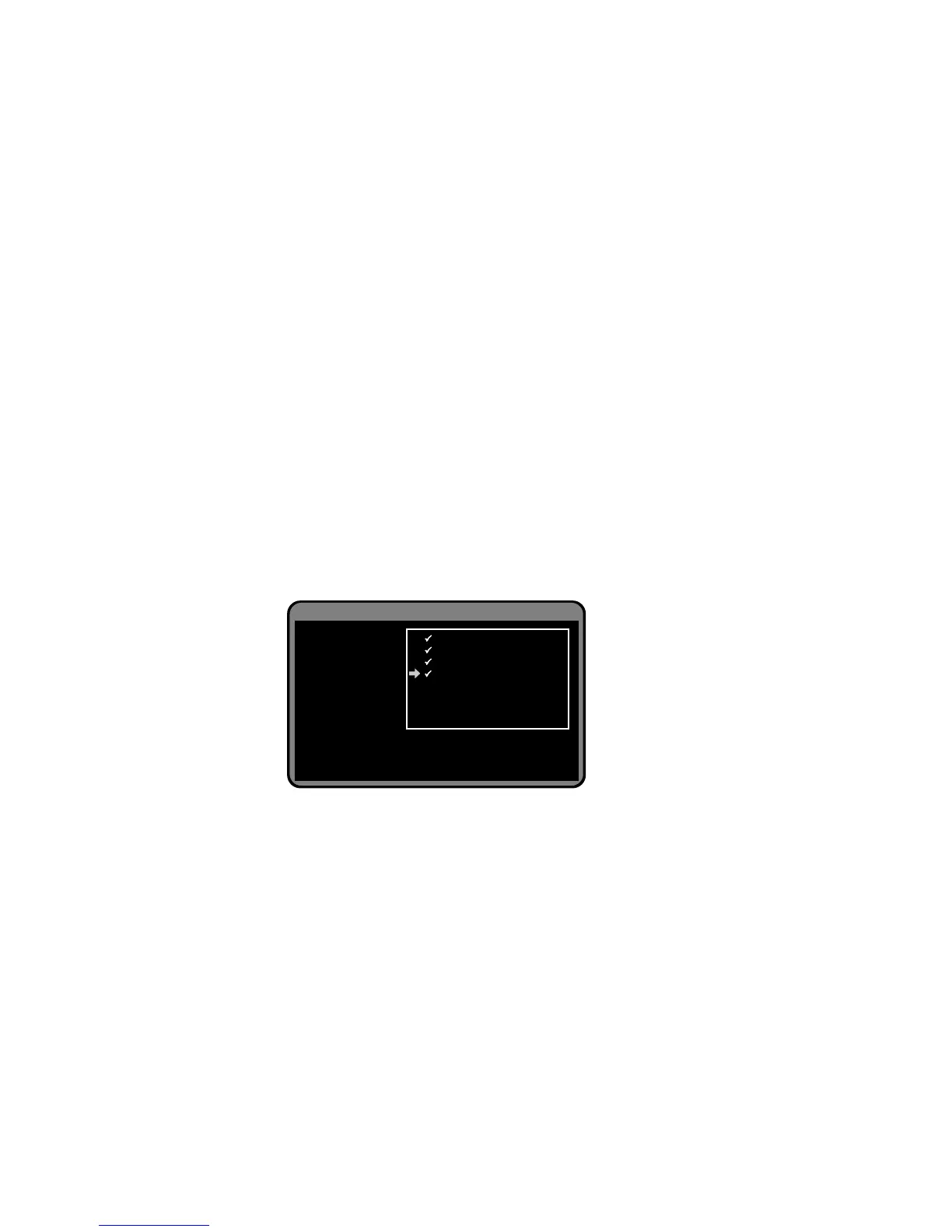
Channel Setup > Channel Favourites
TV Favourite
Radio Favourite
Press OK to select / deselect favourite channel.
Press Pg Up/Dn to move between pages.
To check channel signal quality, press info.
7 7 Digital
70 7 HD Digital
71 7 Digital 1
72 7 Digital 2
73 7 Digital 3
77 7 Guide


 To Next Page