61 (E)
DISPLAYS
ENGLISH
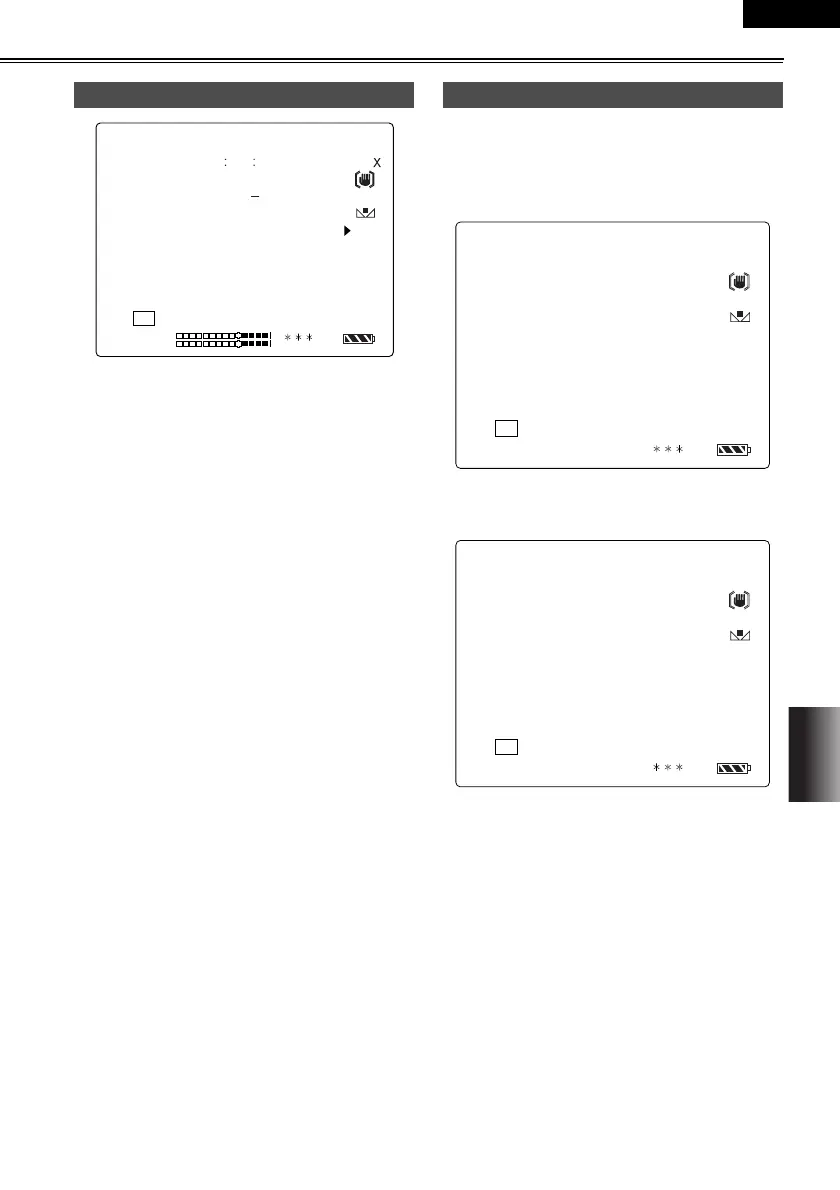
The amount of information to be displayed can be set
by using the menus (P62-64) to select the DISPLAY
item setting on the DISPLAY SETUP screen. (P71)
When “PARTIAL” is selected as the DISPLAY item
setting
When “ALL” is selected as the DISPLAY item set-
ting
Using the MODE CHK button
=wMM
pm
pnr
tfmb
q`=====NO=
PQ= RS=K=MM NKOR
jc
jki
r=N=W=mrpe====^c=H=wj
r=O=W=_^`hifdeq
r=P=W=^b====il`h
pkp=W=fo
NLRM
cR=K=S
NU=
Ç_
ãáå
QU=h==j=
pkp
tfka`rq
o
`eN
`eO
NOV
30 2003 23 : 59 : 59
MONIE LIKE
Setting the DISPLAY items
===aNS=u=====wMM
NKOR=u
jc
NLRM
cR=K=S
NU=
Ç_
ãáå
==j=
o
pnr
tfmb
NOV
30 2003 23 : 59 : 59
===aNS=u=====wMM
NKOR=u
jc
NLRM
cR=K=S
NU=
Ç_
ãáå
==j=
o
jkipm
pnr
tfka`rq
QUh
pkp
tfmb
NOV
30 2003 23 : 59 : 59
AG-DVC60E_En.fm 61 ページ 2004年9月2日 木曜日 午後1時43分










 To Next Page