59
VQT2M51
A more impressive image can be obtained by focusing on the object only in close-up
and shading off the background.
≥ The unit can focus on the subject at a distance of approx. 70 cm (28q).
≥ If the magnification is 25k or less, then it is automatically set to 25k.
≥ Tele Macro Function is canceled when the zoom magnification becomes lower than 25k.
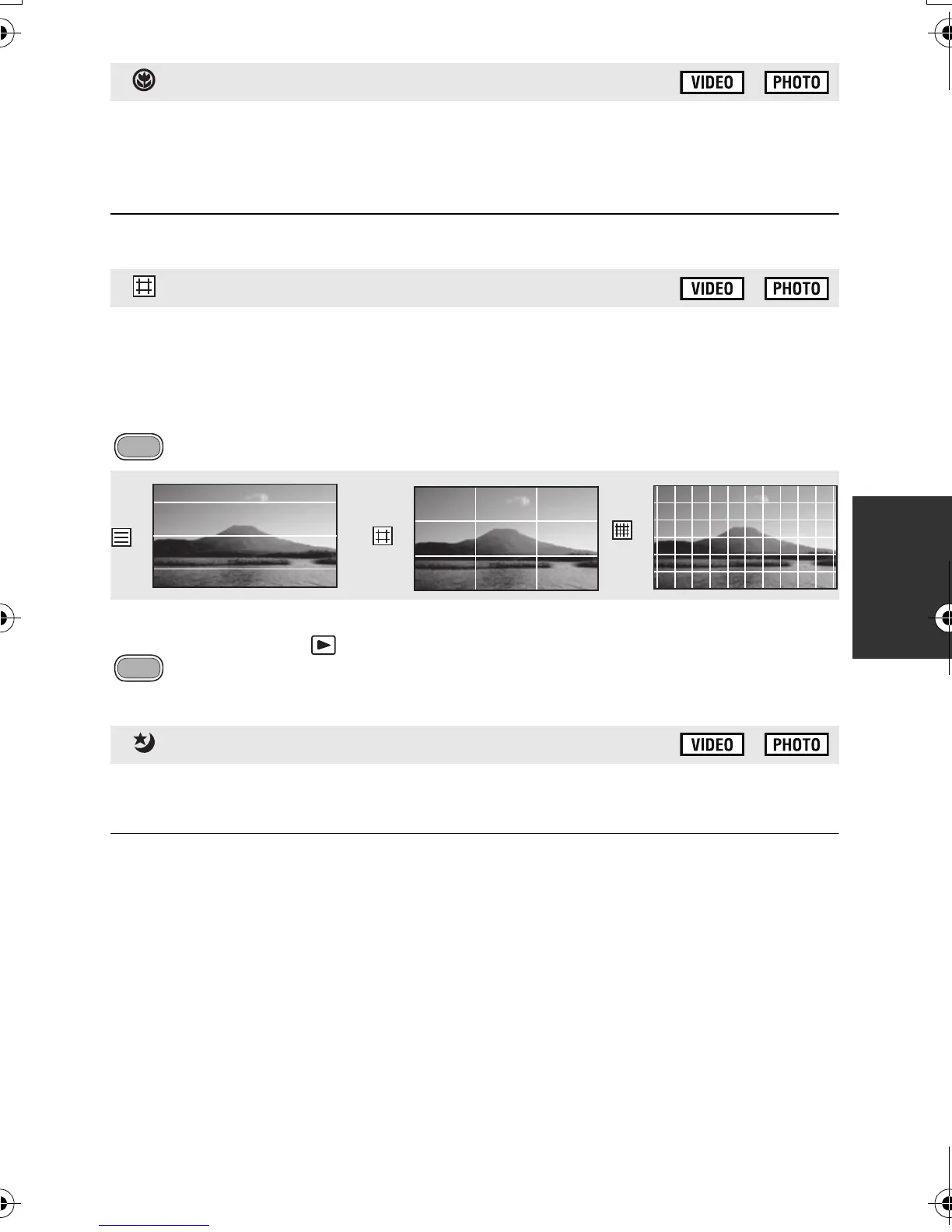
You can check if the image is level while recording or playing back motion pictures
and still pictures. The function can also be used to estimate the balance of the
composition.
≥ The guidelines do not appear on the images actually recorded.
∫ Selecting the type of Guideline
: [RECORD SETUP] # [GUIDE LINES] # desired setting
∫ Displaying Guidelines at playback
≥ Change the mode to .
: [VIDEO SETUP] # [GUIDE LINES] # desired setting
≥ To cancel the Guideline function during playback, set to [OFF].
This function allows you to record color images in very low light situations. (Minimum
required illumination: approx. 1 lx)
≥ Recorded scene is seen as if frames were missed.
≥ If set in a bright place, the screen may become washed out for a while.
≥ Bright dots that are usually invisible may be seen, but this is not a malfunction.
≥ Using a tripod is recommended.
≥ In darker areas, Auto Focus may focus a bit slower. This is normal.
Tele macro
Guideline
Color Night Rec
HDCSD60_TM60_HS60-P_PC-VQT2M51_eng.book 59 ページ 2010年1月18日 月曜日 午前11時33分















 To Next Page