74
VQT2M51
Advanced
Recording
(Advanced)
7
Manual recording
¬ Change the mode to or .
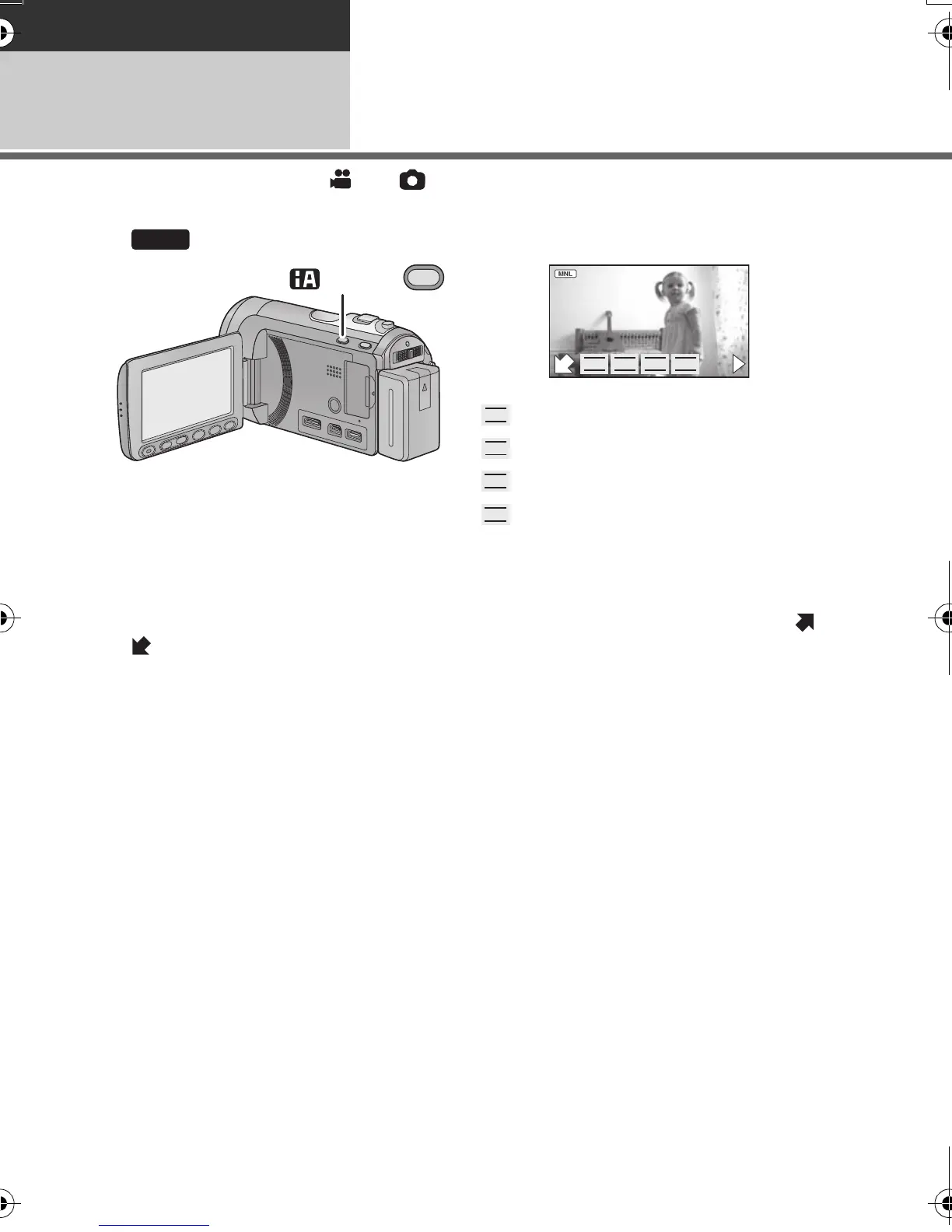
Press the iA/MANUAL button to switch to Manual Mode.
≥ appears on the screen.
Perform the setting by touching the desired item to be set.
≥ Touch 1 to change the page and the manual icon appears or disappears each time /
is touched.
Focus (l 77)
White balance (l 75)
Manual shutter speed (l 76)
Aperture adjustment (l 76)
HDCSD60_TM60_HS60-P_PC-VQT2M51_eng.book 74 ページ 2010年1月18日 月曜日 午前11時33分















 To Next Page