65
VQT2M51
When a registered person is detected by face recognition during recording, the name
registered for that person is displayed.
≥ Change the mode to or .
≥ Displayed name will disappear after a while.
≥ It is displayed according to the registration order setting from the first person.
≥ This function is not displayed during recording of yourself or Playback Mode.
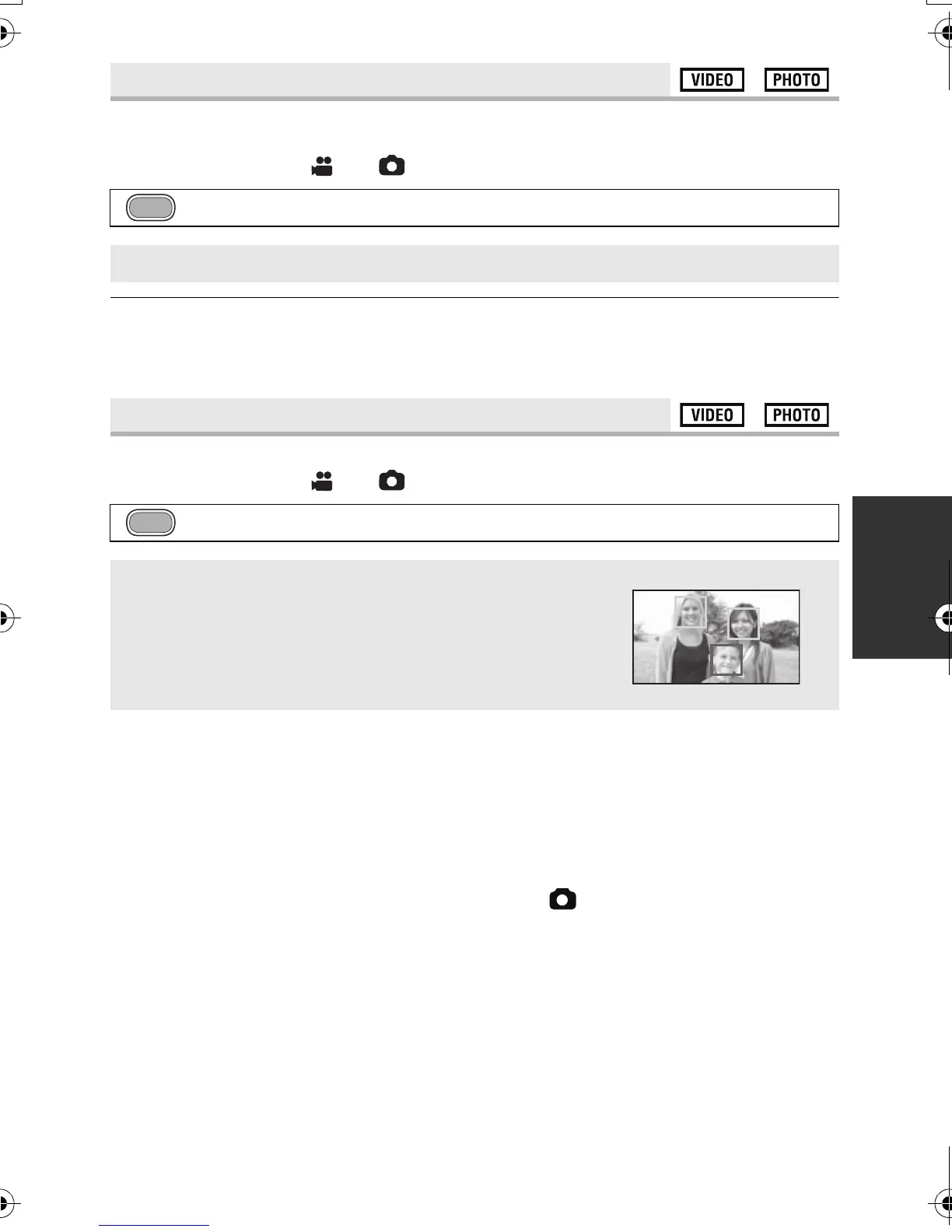
Detected faces appear with frames.
≥ Change the mode to or .
≥ Up to 15 frames are indicated. Larger faces and faces nearer to the center of the screen
take preference over others. When [FACE RECOG.] is [ON], registered people are given
priority.
∫ Prioritized face framing
Prioritized face framing is displayed in orange. Focus and adjustment of brightness will be
performed against the prioritized face framing.
≥ Prioritized face framing is only displayed in Intelligent Auto Mode.
≥ Focus will be set to prioritized face framing when the button is pressed halfway when
recording still pictures. Prioritized face framing will turn to green when the focus is set.
[NAME DISPLAY]
: [RECORD SETUP] # [NAME DISPLAY] # desired number
[OFF]/[1]/[2]/[3]
[FACE FRAMING]
: [RECORD SETUP] # [FACE FRAMING] # desired setting
[OFF]:
Cancel the setting.
[PRIMARY]:
Only the prioritized face framing is displayed.
[ALL]:
All face detection framings are displayed.
HDCSD60_TM60_HS60-P_PC-VQT2M51_eng.book 65 ページ 2010年1月18日 月曜日 午前11時33分















 To Next Page