85
VQT2M51
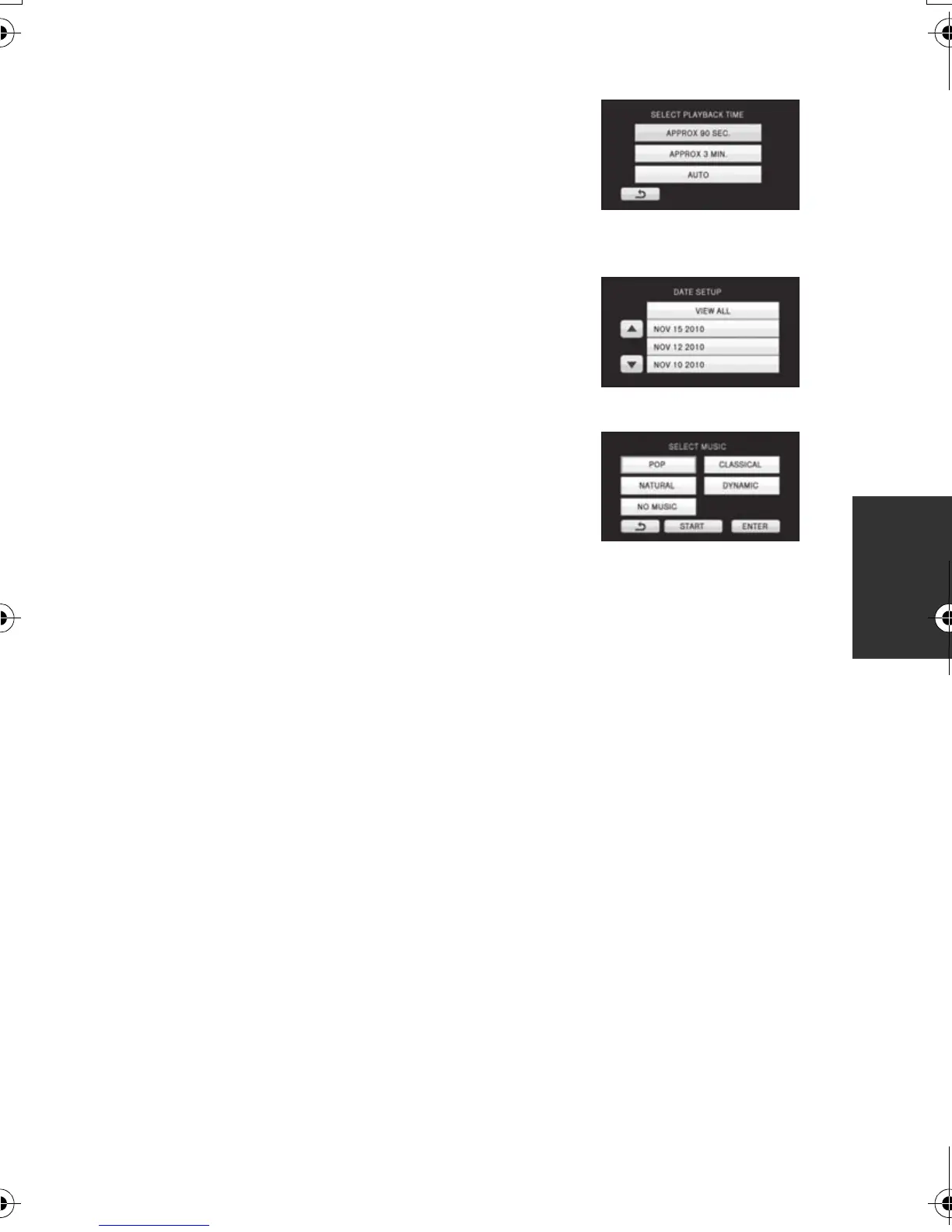
∫ Playback time setting
Touch the playback time to set.
≥ The playback time of [AUTO] is a maximum of
approx. 5 minutes.
≥ Playback time may become shorter than the setting,
or it may not even play back if the part recognized as
clearly recorded is short.
∫ Date setting
Touch the playback date.
∫ Music setting
1 Touch your favorite music.
≥ When [NO MUSIC] is selected, the audio recorded at
the time of shooting is played back.
≥ To adjust the volume of music during playback or
audio testing, operate the volume lever or the adjust
zoom buttons. (l 42)
2 Touch [ENTER].
To test the music audio
Touch [START].
≥ Touch the other music option to change the music to be tested.
≥ When you touch [STOP], the music playback stops.
HDCSD60_TM60_HS60-P_PC-VQT2M51_eng.book 85 ページ 2010年1月18日 月曜日 午前11時33分















 To Next Page