138
VQT3K35
Playback
Problem Check points
Scenes/still pictures
cannot be played back.
≥ Any scenes/still pictures where the thumbnails are
displayed as cannot be played back.
Scenes cannot be
deleted.
≥ Release the protect setting. (l 95)
≥ Any scenes/still pictures where the thumbnails are
displayed as cannot be deleted. If the scenes/still
pictures are unnecessary, format the media to erase the
data. (l 45) Please be aware that if a media is formatted
then all the data recorded on the media is erased and
cannot be recovered. Back up important data on a PC,
disc etc.
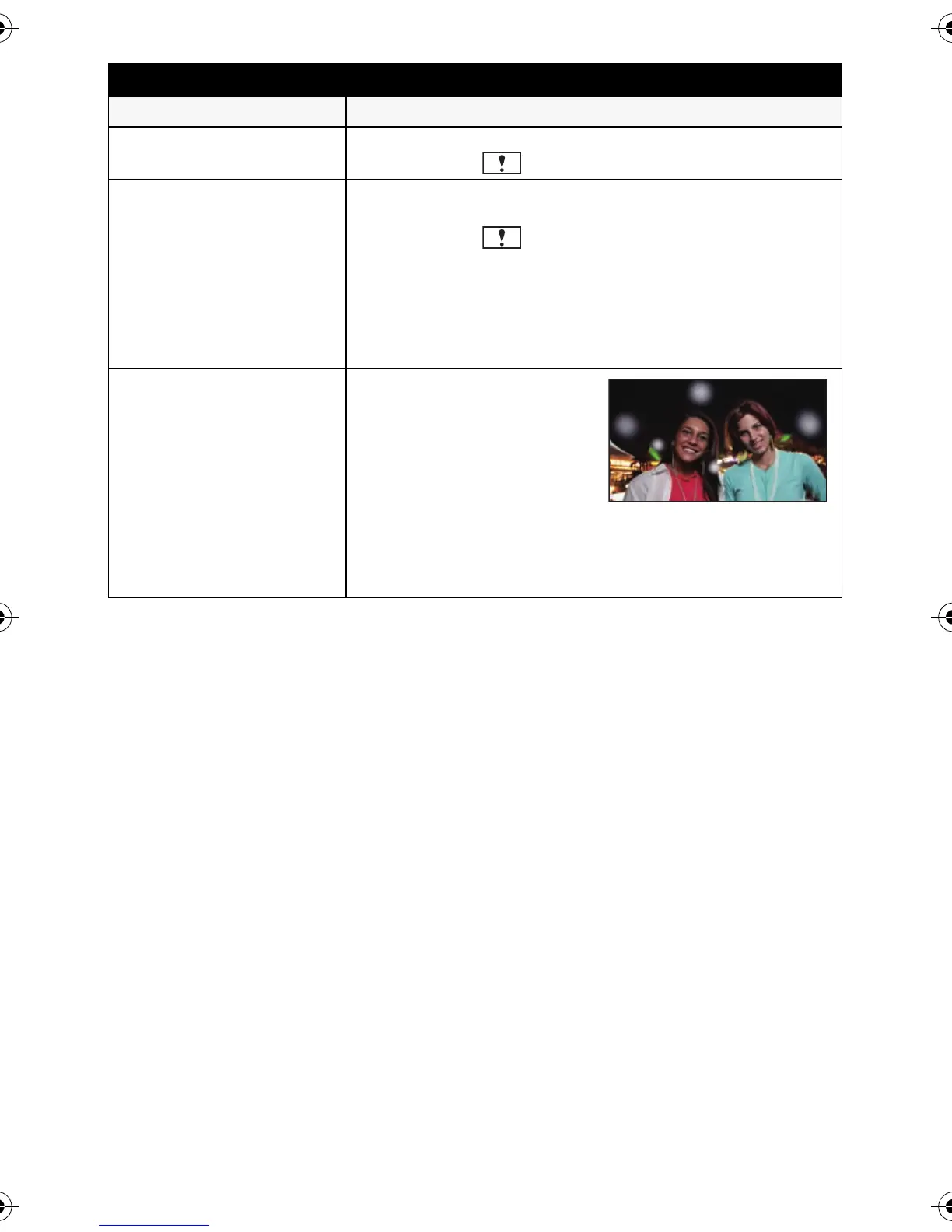
White round spots like
soap bubbles appear on
the recorded picture.
≥ If you take a picture with
the flash in a dark place or
indoors, white round spots
may appear on the picture
caused by the flash
reflecting of particles of
dust in the air. This is not a malfunction.
A characteristic of this is that the number of round spots
and their position differ in every picture.
HDCSD800P-VQT3K35_mst.book 138 ページ 2010年12月20日 月曜日 午前9時4分















 To Next Page