37
VQT3J17
≥ If [ECONOMY] (l 36) is set to [5 MINUTES] and the unit automatically goes into Quick
Start Standby Mode, close the LCD monitor and then open it again.
≥ Turn the unit off using the power button.
Touch screen operation, starting and stopping of recording and unit on/off can be confirmed
with this sound.
(Volume low)/ (Volume high)
2 Beeps for 4 times
When an error occurs. Check the sentence displayed on the screen. (l 118)
This makes it easier to view the LCD monitor in bright places including outdoors.
≥ These settings will not affect the images actually recorded.
(Makes even brighter)/ (Makes brighter)/ (Normal)/ (Makes less bright)/
*(Automatic adjustment)
* It is not displayed in the Manual Mode or in the Playback Mode.
≥ When the AC adaptor is in use, the LCD monitor is set to automatically.
≥ When the LCD monitor is bright, the recordable time with the battery will be shorter.
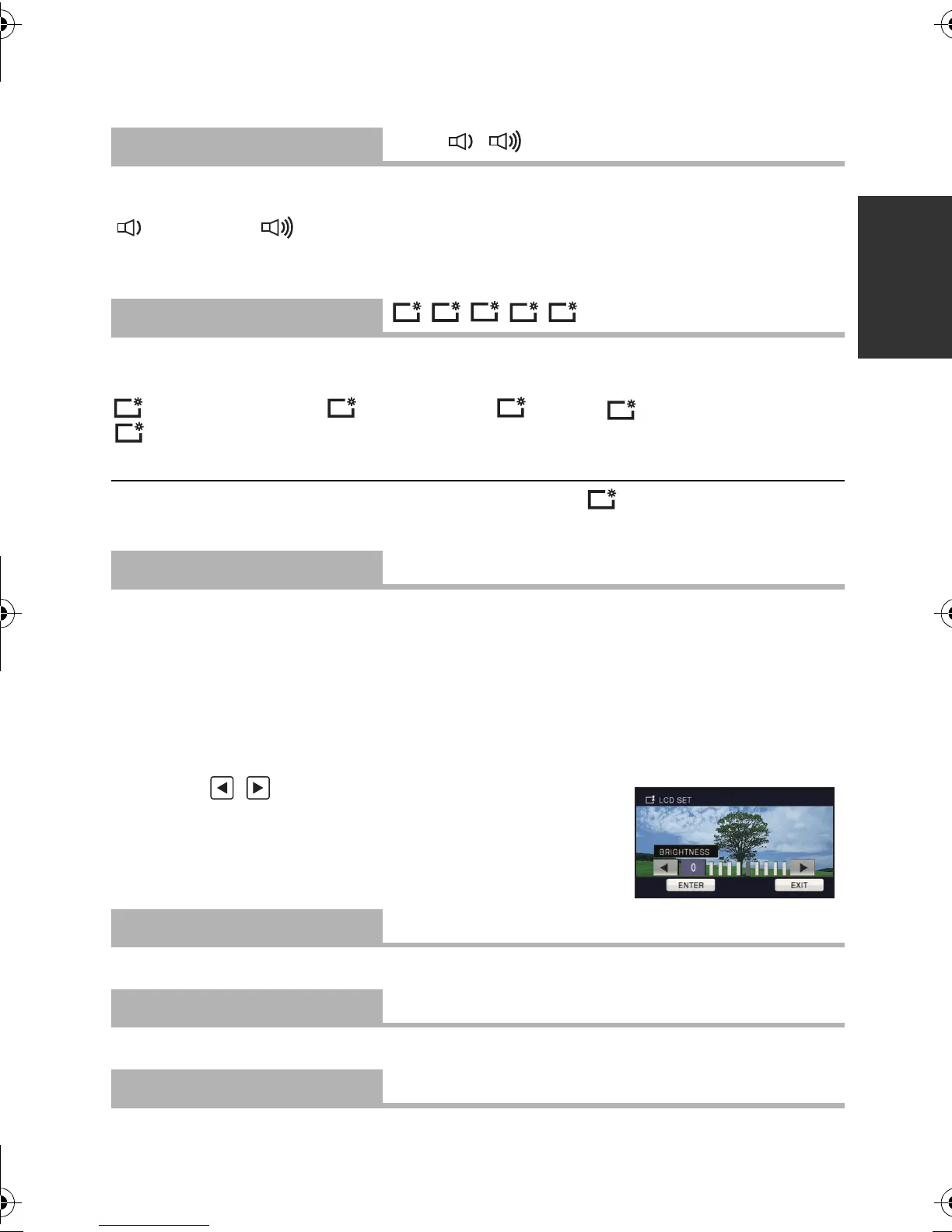
It adjusts brightness and color density on the LCD monitor.
≥ These settings will not affect the images actually recorded.
1Touch [LCD SET].
2 Touch the desired setting item.
[BRIGHTNESS]:
Brightness of the LCD monitor
[COLOR]:
Color level of the LCD monitor
3 Touch / to adjust settings.
4 Touch [ENTER].
≥ Touch [EXIT] to exit the menu screen.
Please refer to page 87.
Please refer to page 87.
Please refer to page 87.
[ALERT SOUND]
[OFF]/ /
[POWER LCD]
////
[LCD SET]
[AV MULTI]
[COMPONENT]/[AV OUT]
[COMPONENT OUT]
[480i]/[1080i]
[HDMI RESOLUTION]
[AUTO]/[1080i]/[480p]
+1
0
HDC-SD80_TM80_HS80-PU-VQT3J17_eng.book 37 ページ 2011年1月5日 水曜日 午後1時51分














 To Next Page