47
VQT3J17
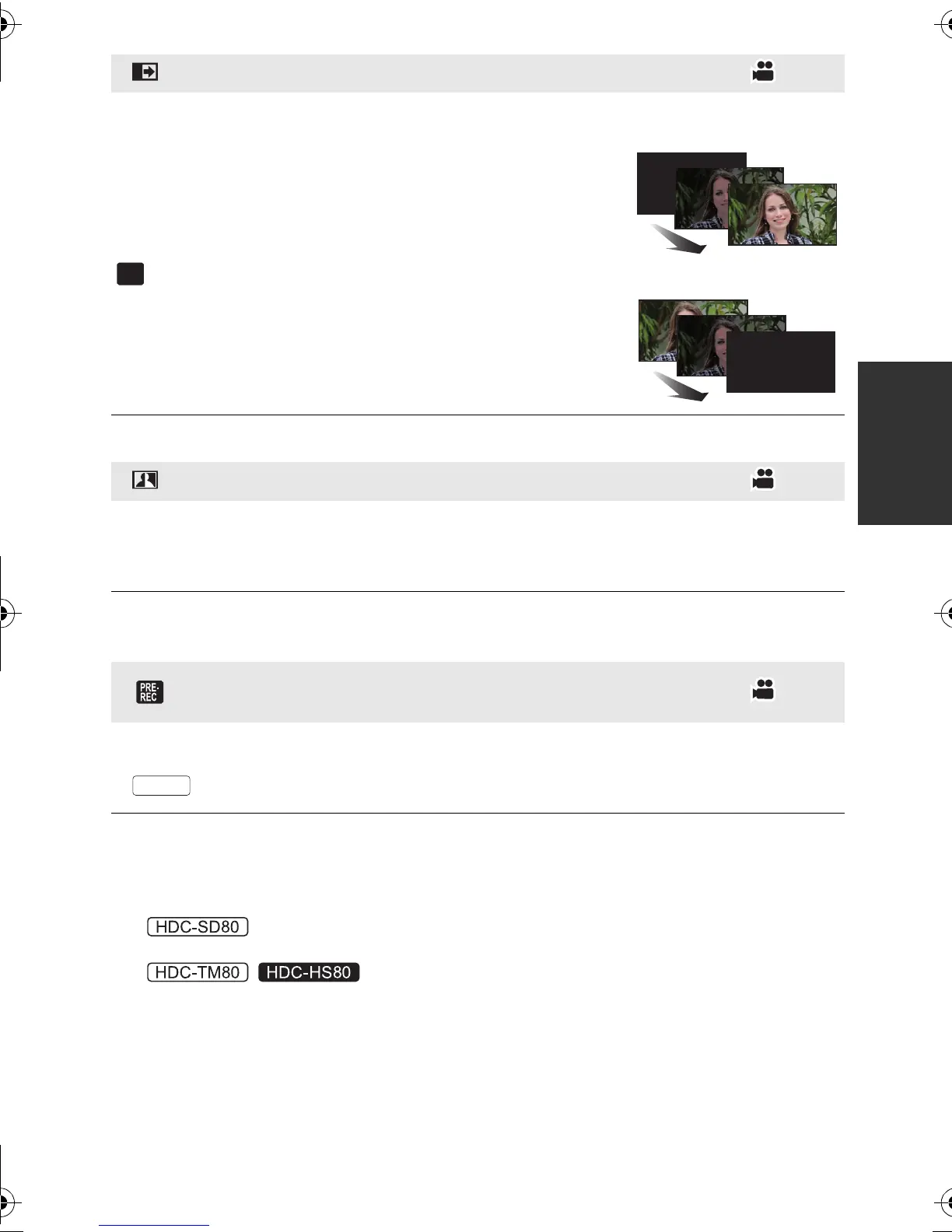
When you start recording, the image/audio gradually
appears. (Fade in)
When you pause recording, the image/audio gradually
disappears. (Fade out)
≥ The Fade setting is canceled when the recording stops.
∫ To select the color for Fade in/out
: [RECORD SETUP] # [FADE COLOR] #
[WHITE] or [BLACK]
≥ The thumbnails of scenes recorded using fade in become black (or white).
This brightens parts that are in shadow and difficult to see and suppresses white
saturation in bright parts at the same time. Both bright and dark parts can be recorded
clearly.
≥ If there are extremely dark or bright parts or the brightness is insufficient, the effect may not
be clear.
This allows recording of the pictures and sound to start approximately 3 seconds
before the recording start/stop button is pressed.
≥ appears on the screen.
≥ Aim the unit at the subject beforehand.
≥ There is no beep sound.
≥ PRE-REC is canceled in the following cases.
jIf you change the mode
j
If you remove the SD card
j
/
If you remove the SD card while [MEDIA SELECT] is set to [VIDEO/SD CARD]
jIf you touch [MENU]
jIf you turn the unit off
jIf you start recording
jAfter 3 hours have passed
Fade
Intelligent contrast control
PRE-REC
This prevents you from missing a shot.
HDC-SD80_TM80_HS80-PU-VQT3J17_eng.book 47 ページ 2011年1月5日 水曜日 午後1時51分














 To Next Page