61
VQT3J17
The higher the number of pixels, the higher the clarity of the picture when printing.
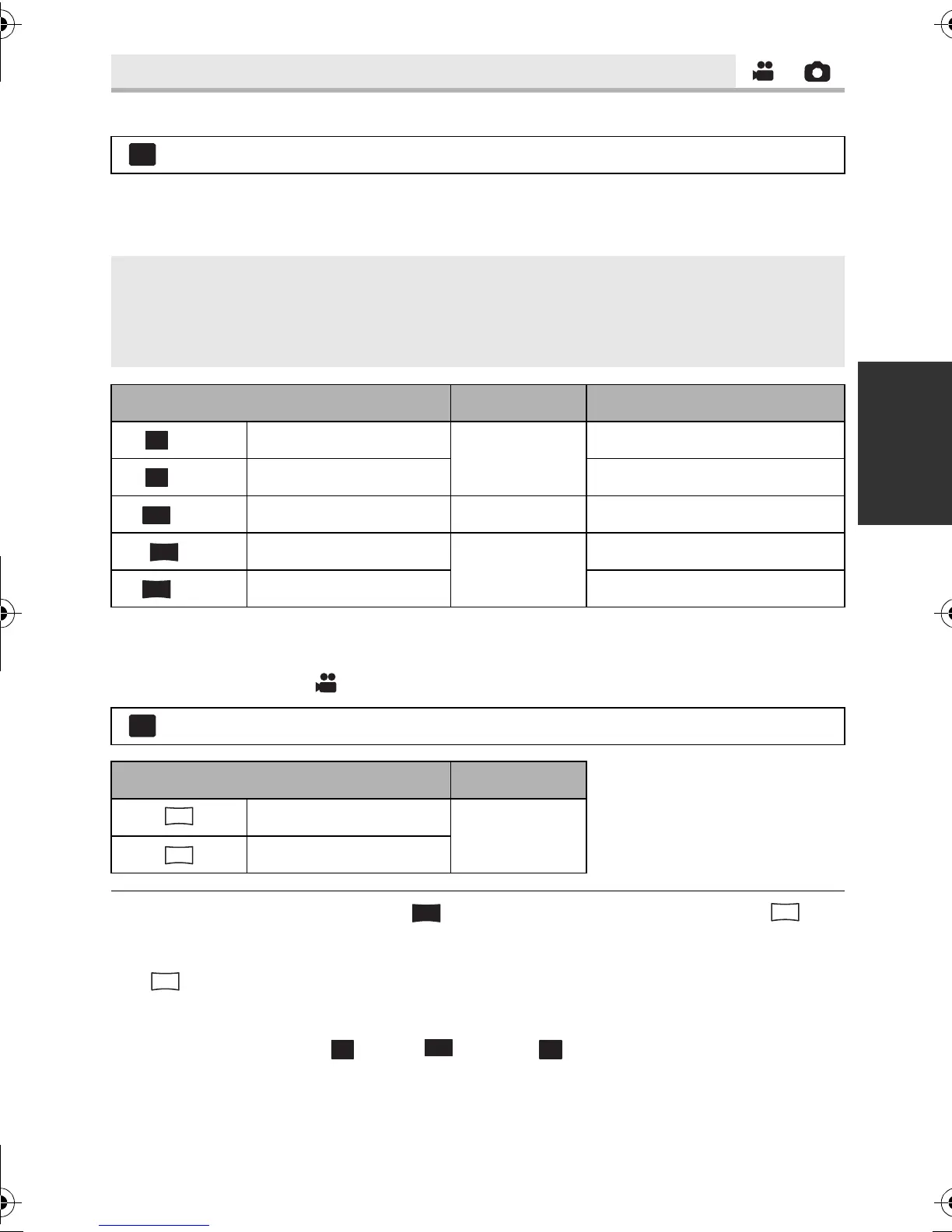
∫ Picture size and Maximum zoom ratio
Aspect ratio will change depending on the picture size.
* Extra optical zoom cannot be used. The maximum zoom magnification is 34k.
∫ Picture size in Motion Picture Recording Mode
≥ Change the mode to .
≥ This function’s default settings are [ 3M] in Still Picture Recording Mode and in
Motion Picture Recording Mode.
≥ When you record still picture with [REC MODE] set to [iFrame], the picture size will be set
to .
≥ The recording will become longer depending on the picture size.
≥ Please refer to page 134 for details about the number of recordable pictures.
≥ When the picture size is [ 2.6M], [ 2.8M] or [ 0.3M] black bands may appear on
the left and right of the screen.
≥ The edges of still pictures recorded on this unit with a 16:9 aspect ratio may be cut at
printing. Check the printer or photo studio before printing.
[PICTURE SIZE]
: [PICTURE] # [PICTURE SIZE] # desired setting
4:3: Aspect ratio of 4:3 television
3:2: Aspect ratio of conventional film camera or prints (such as L-size print)
16:9: Aspect ratio of high-definition television, etc.
Picture size
Aspect ratio
Extra optical zoom (l 41)
[ 2.6M] 1856k1392
4:3
–
*
[ 0.3M] 640k480 60k
[ 2.8M] 2064k1376 3:2 –
*
[ 3M] 2304k1296
16:9
37k
[ 2.1M] 1920k1080 37k
: [PICTURE] # [PICTURE SIZE] # desired setting
Picture size Aspect ratio
2304k1296
16:9
1920k1080
4:3
MENU
3
M
2.1
M
4:3
HDC-SD80_TM80_HS80-PU-VQT3J17_eng.book 61 ページ 2011年1月5日 水曜日 午後1時51分














 To Next Page