62
VQT3J17
Selecting the picture quality.
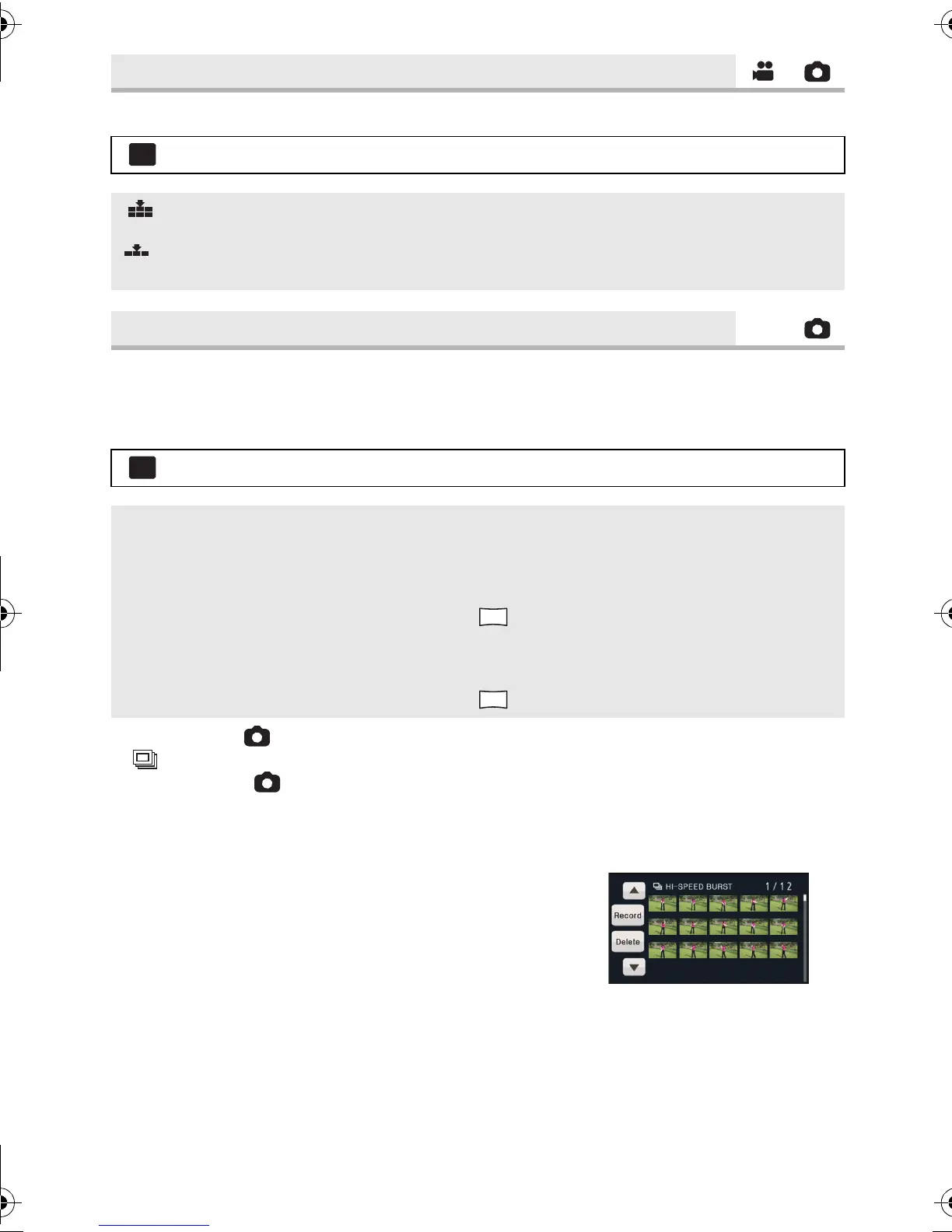
Recording is done continuously at the rate of 30 or 60 still pictures per second.
Use this function to record an object with fast movement.
1 Select the menu.
2 Press the button.
≥ flashes in red during recording.
≥ First press the button halfway, then press it fully to set the focus and record. It will
automatically focus if you press fully once, so it is convenient when recording objects
moving back and forth.
3 Touch [Record] or [Delete].
[Record]: Pictures are stored.
[Delete]: All pictures are deleted.
4
(
When
[Record] is selected in step 3)
Touch [REC ALL] or [SELECT].
[REC ALL]: All pictures are stored.
[SELECT]: Pictures are stored by specifying range.
[QUALITY]
: [PICTURE] # [QUALITY] # desired setting
: Still pictures with a high picture quality are recorded.
: Priority is given to the number of still pictures recorded. Still pictures are recorded
in normal picture quality.
[HI-SPEED BURST]
: [PICTURE] # [HI-SPEED BURST] # desired setting
[OFF]: Cancel the setting.
[30 frames/sec]: 90 still pictures are recorded continuously at the rate of 30 per
second.
The picture size is (1920k1080).
[60 frames/sec]: 180 still pictures are recorded continuously at the rate of 60 per
second.
The picture size is (1280k720).
2.1
M
HDC-SD80_TM80_HS80-PU-VQT3J17_eng.book 62 ページ 2011年1月5日 水曜日 午後1時51分














 To Next Page