64
VQT3J17
≥ The manual focus, white balance, shutter speed, brightness (Iris and Gain) settings
are retained when you change between Motion Picture Recording Mode and Still
Picture Recording Mode.
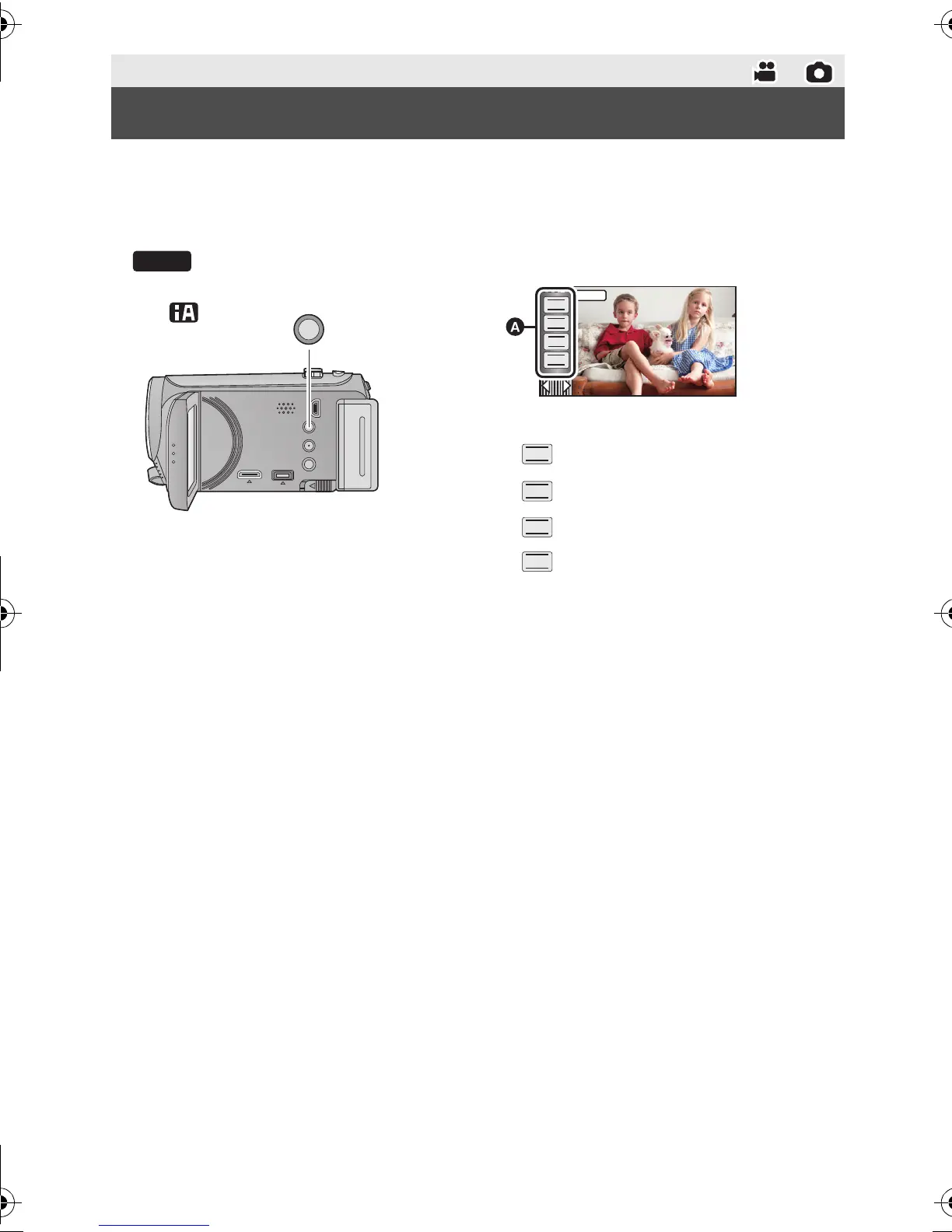
Press the iA/MANUAL button to switch to Manual Mode.
≥ appears on the screen.
Advanced (Recording)
Manual recording
MNL
A Manual icons
Focus (l 67)
White balance (l 65)
Manual shutter speed (l 66)
Iris adjustment (l 66)
HDC-SD80_TM80_HS80-PU-VQT3J17_eng.book 64 ページ 2011年1月5日 水曜日 午後1時51分














 To Next Page