5.
Clean the document feeder roller ( ) with a cloth moistened with
isopropyl rubbing alcohol, and let all parts dry thoroughly.
Clean the upper glass (
) with a soft and dry cloth.
6.
Push back the inner cover.
7.
Remove the drum and toner unit ( ) by holding the two tabs.
8.
Clean the lower glass ( ) with a soft and dry cloth.
9.
Reinstall the drum and toner unit ( ) by holding the tabs.
33
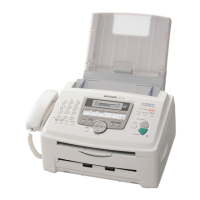
KX-FL612CX / KX-FL612CX-S



 To Next Page