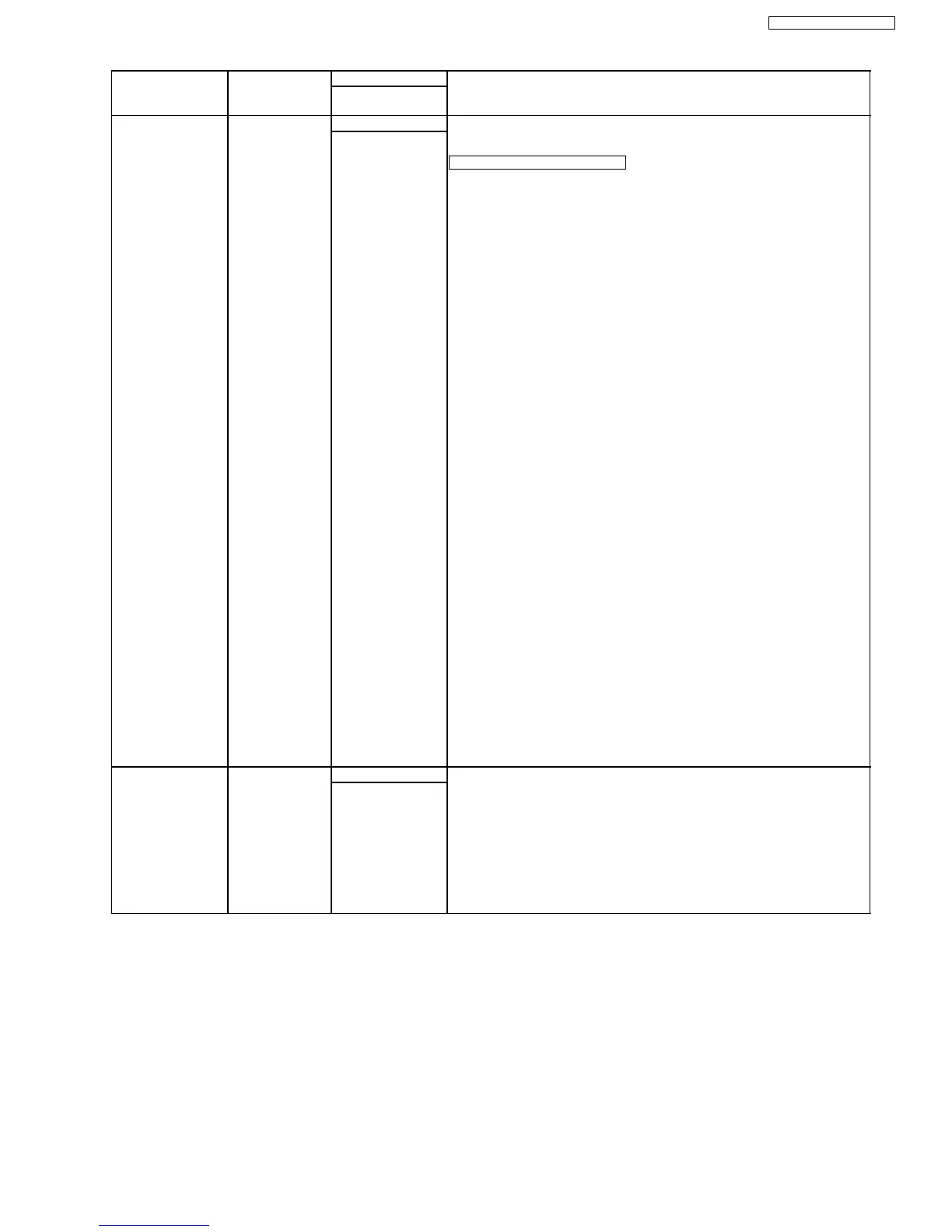
Test Mode Type of Mode Code Function
Operation after code
input
SENSOR CHECK Service Mode “8”“1”“5” First of all, press the copy button, and confirm the action of ON/OFF.
For each sensor’s operation, refer to SENSORS AND SWITCHES SECTION
(P.175).
DSCPREDT*3F*D4*V
: LCD DISPLAY
D: Document sensor
D: Document set
-: No document
S: Paper Feed Sensor
S: Read position
-: No read position
C: Printer Cover Switch
C: Open
-: Close
P: Paper sensor
P: Recording paper set
-: No recording paper
R: Regist Sensor
R: Detect recording paper
-: Not defect recording paper
E: Exit Sensor
E: Detect recording paper
-: Not detect recording paper
D: Drum Sensor
D: DRUM set
-: No DRUM
T: Toner Sensor
T: Toner sensor ON
-: Toner sensor OFF
*: None
3F: Temperature of THERMISTOR
Hex (00-FF)
*: None
D4: Temperature of Atmosphere
Hex (00-FF)
*: None
V: VOX signal
V: Detect the tone on the line
-: Not detect
PRINT TEST
PATTERN
Service Mode “8”“5”“2” 1. Press “852” then the SET key in the service mode.
2. As “PATNO =” is displayed on the LCD, enter the test pattern No. and press
the SET key.
3. When “No. = “is displayed on the LCD, enter the printing number and press the
SET key. (Press “00” for the infinite printing.)
4. “MODE” is displayed on the LCD. Press “0” to start printing or press “1” to go
to the next screen.
5. When “1” is pressed at MODE, “INTVL = “is displayed on the LCD. Enter the
printing interval (00~99 sec).
6. The printing repeats the designated number of times at the programmed
printing intervals.
START
Note:
The numbers in the boxes (XXX) indicate the keys to be input for the various test modes.
65
KX-FL612CX / KX-FL612CX-S





 To Next Page