EasyManua.ls Logo

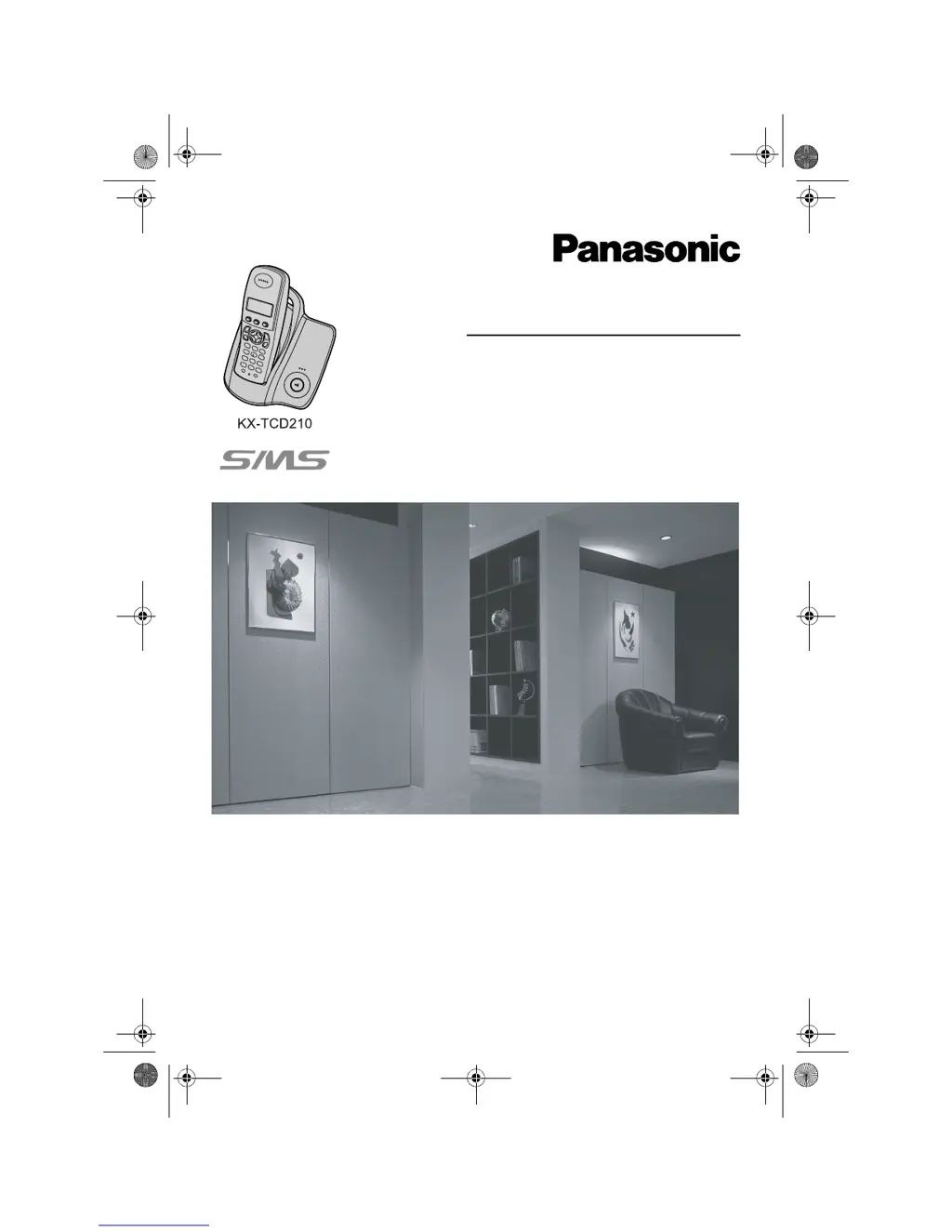
Panasonic KX-TCD210FX - User Manual

Panasonic KX-TCD210FX
68 pages
Print Icon
To Next Page IconTo Next Page
Loading...
This unit is compatible with Caller ID and SMS. To use these
features, you must subscribe to the appropriate service of your
service provider.
Charge the batteries for about 7 hours before initial use.
Please read these operating instructions before using the unit and save them for
future reference.
Operating Instructions
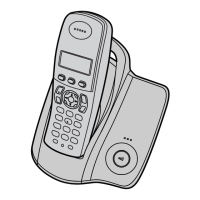
Model No. KX-TCD210FX
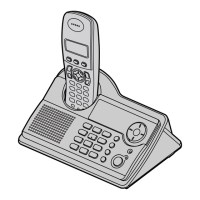
Digital Cordless Phone
Model No. KX-TCD220FX
Digital Cordless Answering System
TCD210220FX(e-e).book Page 1 Tuesday, January 18, 2005 9:04 AM

Table of Contents

Other manuals for Panasonic KX-TCD210FX

Questions and Answers

  • S
    Stephanie HernandezSep 12, 2025
    Why I cannot operate the answering system remotely on my Panasonic KX-TCD210FX Cordless Telephone?
    • D
      Danielle VillaSep 12, 2025
      If you cannot operate the answering system remotely on your Panasonic Cordless Telephone, first confirm that you are entering the correct remote access code. If you forget the code, store a new one. Ensure you are pressing each key firmly and not too quickly. Also, check that the answering system is turned on. Note that using a touch-tone phone might be necessary.
  • R
    Raymond WilliamsSep 13, 2025
    What to do if battery icon does not change on my Panasonic Cordless Telephone?
    • R
      ryan62Sep 13, 2025
      If the batteries should be charging but the battery icon does not change on your Panasonic Cordless Telephone, try cleaning the charge contact and charge again. Also, ensure that the AC adapter is properly connected.
  • R
    Rachel DavisSep 15, 2025
    Why I cannot operate the answering system with the handset on my Panasonic KX-TCD210FX Cordless Telephone?
    • K
      Karl CantuSep 15, 2025
      If you cannot operate the answering system with the handset of your Panasonic Cordless Telephone, it may be because another handset user is currently using the answering system, SMS features, accessing the caller list, or changing base unit settings. Wait for the other user to finish. Alternatively, a caller might be leaving a message, so wait for them to finish. The handset could also be too far from the base unit, so move closer.

Panasonic KX-TCD210FX Specifications

General IconGeneral
TypeCordless Telephone
Number of Handsets1
Talk Time10 hours
Standby Time120 hours
Caller IDYes
Phonebook Capacity50 entries
DisplayLCD
Frequency1.9 GHz
Call WaitingYes
RedialYes
Range300 meters
IntercomYes
Power SourceBattery

Related product manuals