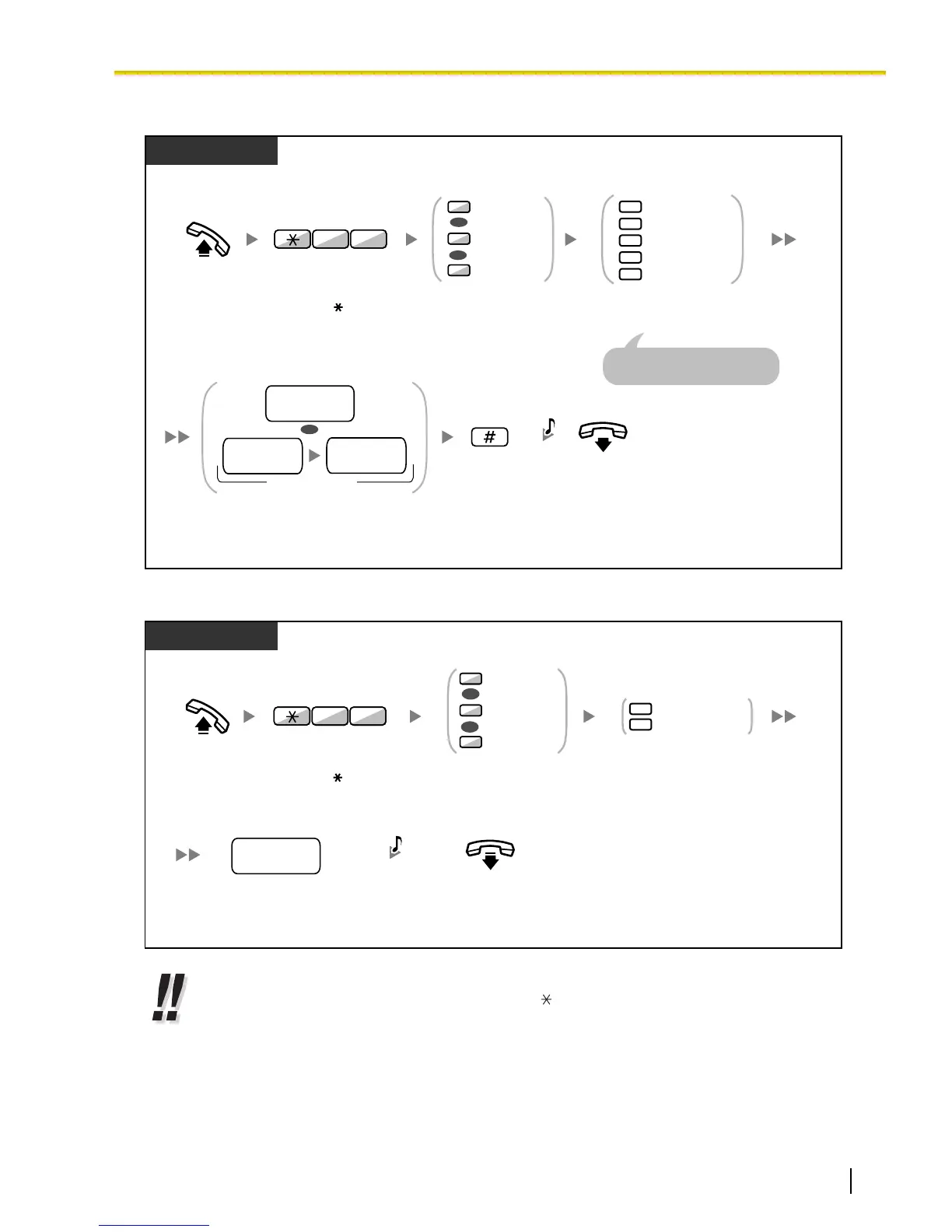
To set/cancel
PT/SLT/PS
Enter #.
On-hook.
Enter destination extension number.
Or enter CO line access number
and then outside phone number.
2
0
3
4
5
Cancel
All Calls
Busy
No Answer
Busy/No Answer
Enter required
number.
Off-hook.
1
2
0
Both Calls
Intercom Calls
Outside Calls
OR
OR
Enter 71.
17
Enter 0 to 2 as
you desire.
OR
destination
extension no.
(max. 32 digits)
outside
phone no.
CO line
access no.
C.Tone
For "Cancel", go on-hook
directly after entering 0.
To set Follow Me from another extension
PT/SLT/PS
your
extension no.
On-hook.
Dial your
extension number.
Enter 7 or 8.
7
8
Follow Me
Follow Me Cancel
Off-hook.
1
2
0
Both Calls
Intercom Calls
Outside Calls
OR
OR
Enter 71.
17
Enter 0 to 2 as
you desire.
C.Tone
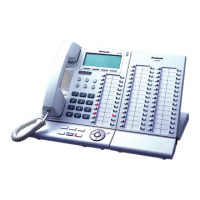
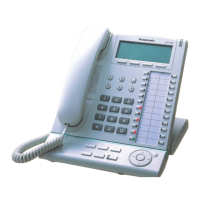
• When using a proprietary telephone, you can set or cancel Call Forwarding by pressing the
FWD/DND button (fixed button) instead of " 710".
Document Version 2008-10 Operating Manual 77
1.3.29 FWD (Call Forwarding)











 To Next Page