257
Wi-Fi/Bluetooth
About Wi-Fi connections
Connecting directly ([Direct])
You can directly connect the camera to your device.
[WPS Connection]
[WPS (Push-Button)]
1
On the camera screen, select [WPS (Push-Button)]
2
Set the device to WPS mode
• You can extend waiting time for a connection by pressing the [DISP.]
button on this unit.
[WPS (PIN code)]
1
On the camera screen, select [WPS (PIN code)]
2
Enter the PIN code of the device into the camera
[Manual
Connection]
1
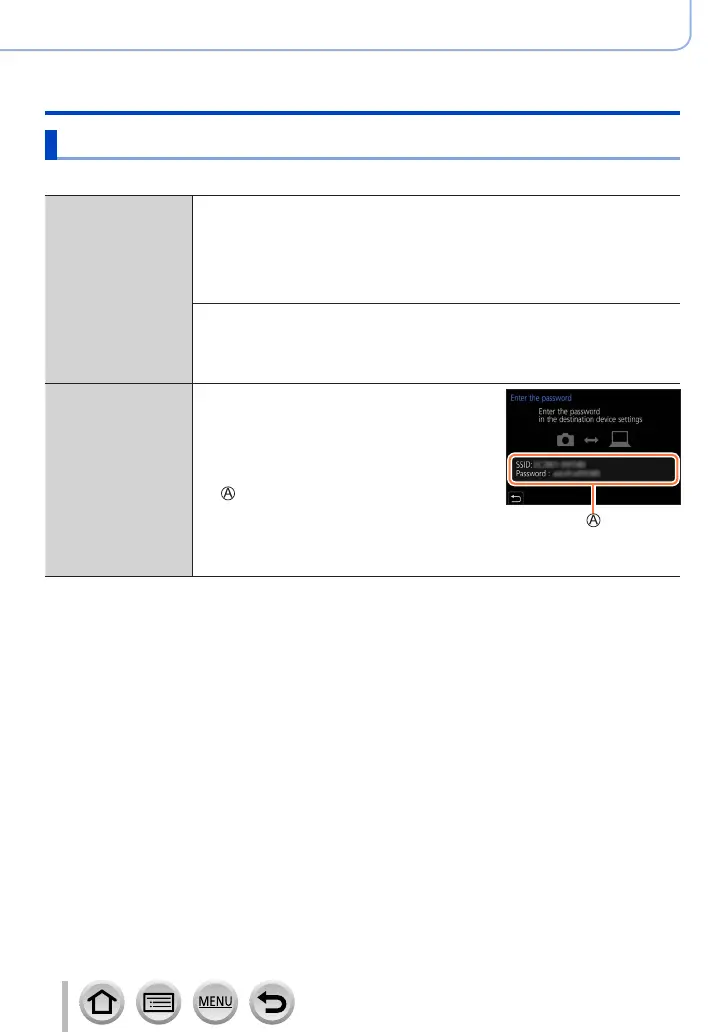
Enter the SSID and password
into the device. The SSID and
password are displayed on the
connection waiting screen of this
unit
SSID and Password
• If a device to be connected is [Smartphone],
the password is not displayed. Select SSID
to connect. (→230)
• Read the operating instructions of your device for details.


 To Next Page
 Loading...