233
Wi-Fi/Bluetooth
Connecting the camera to a smartphone
■
When connecting with [Via Network]
(On the camera)
Select [Via Network] and press [MENU/SET]
• Connect the camera to a wireless access point by following the connection method (→254).
(On your smartphone)
Turn on the Wi-Fi function in the setting menu
Select the wireless access point you connected to the camera, and set
Start “Image App”
■
When connecting with [Direct]
(On the camera)
Select [Direct] and press [MENU/SET]
• Connect the camera to the smartphone by following the connection method (→257).
(On your smartphone)
Start “Image App”
Closing the Wi-Fi connection
1
Set the camera to Recording Mode
• Press the shutter button halfway to return to recording mode.
2
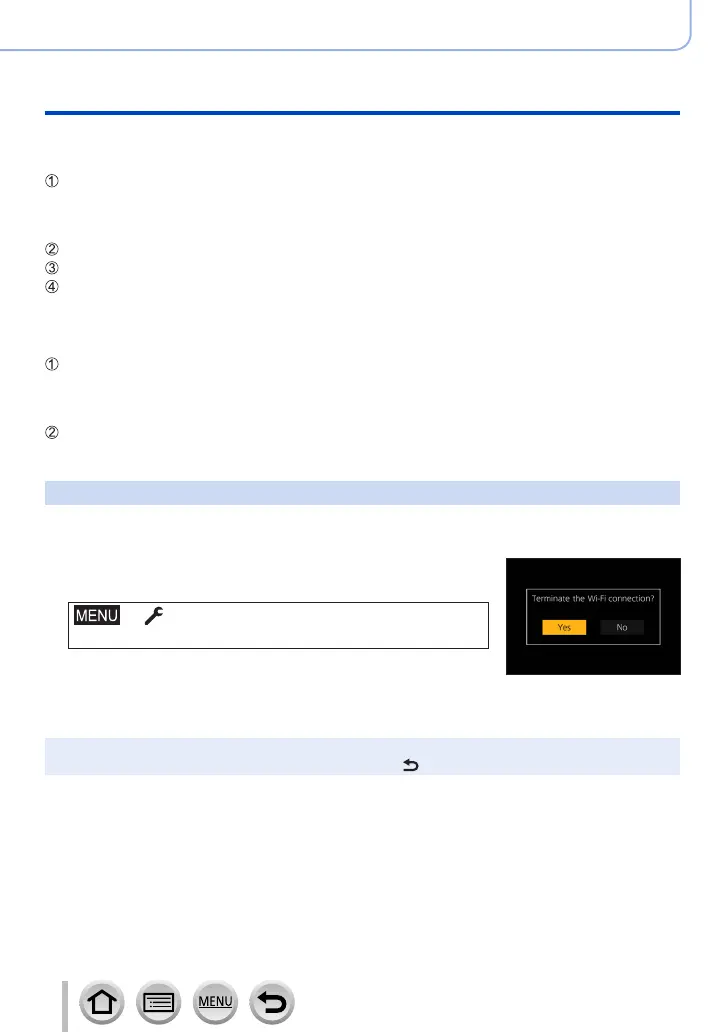
Select the camera’s menu items to terminate the Wi-Fi
connection
→ [Setup] → [Wi-Fi] → [Wi-Fi Function]
→ [Yes]
• You can also terminate the connection by pressing [Wi-Fi] button
on the camera.
3
On the smartphone, close “Image App”
●
When recording with 4K Pre-Burst with the smartphone, terminate the connection only after
switching to 4K Burst recording by pressing [Q.MENU/
] button on the camera.



 To Next Page
 Loading...