10 TrueType object
A
B
i
j
Y
A
B
i
j
Y
(1)
(2)
(1)
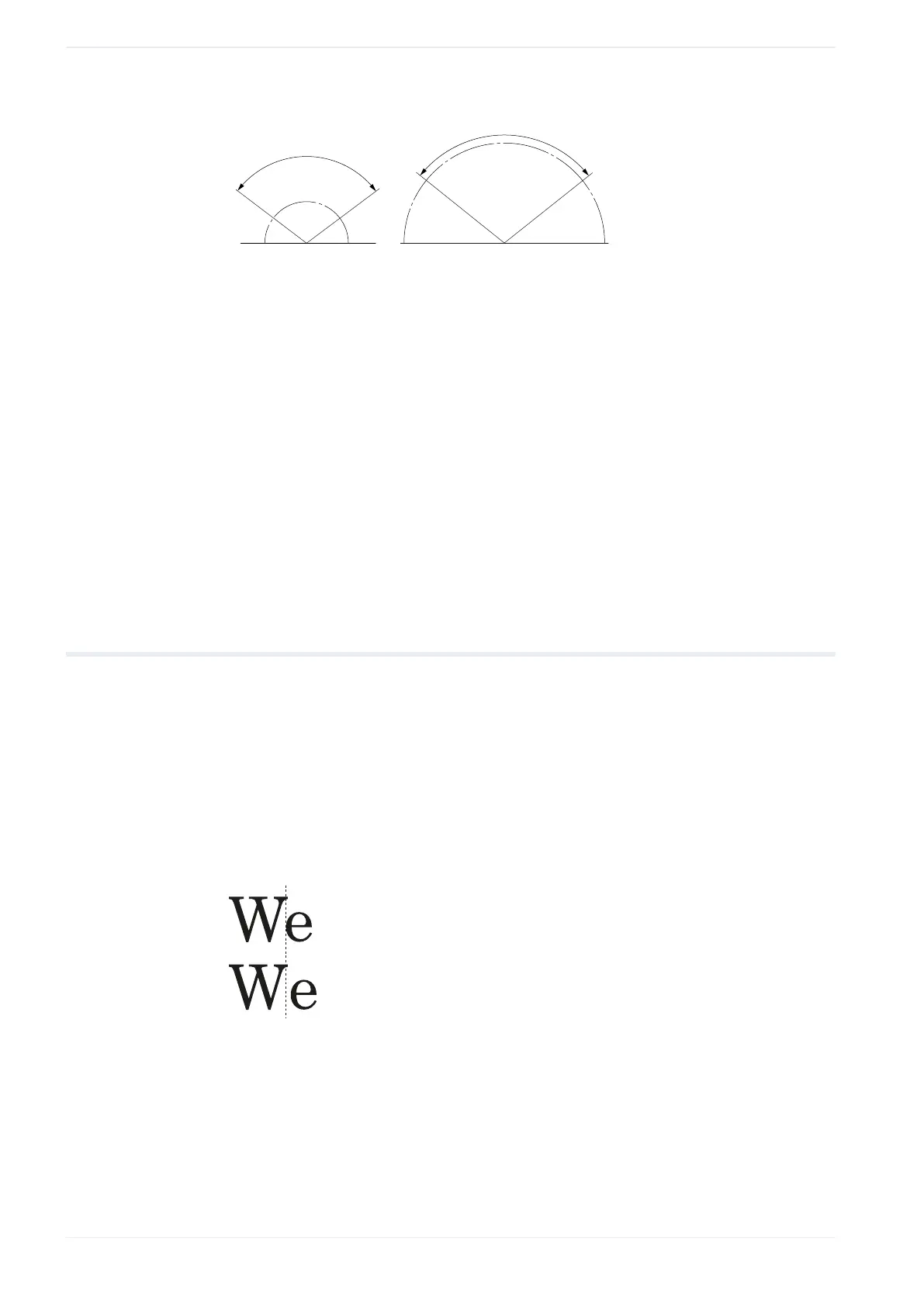
Arc angle (“Arc outside”)
(2)
Arc angle (“Arc inside”)
4. Specify a value for the “Character spacing angle [°]” or “Arc angle [°]”.
The available setting names change depending on your selection for “Character spacing
type”.
• For “Standard” and “Fixed spacing”, input the desired angle value under “Character
spacing angle [°]”.
• For “Justify”, input the desired arc angle value under “Arc angle [°]”.
Related topics
Set the character spacing of a TrueType object along a straight line (page 113)
10.9 Set kerning for TrueType objects
Kerning is the adjustment of the spaces between specific letter pairs, called kerning pairs.
The “Kerning” setting is available when the character spacing type is set to “Standard”.
1. To edit the parameters of the TrueType object, select the object in the object list or in the
marking image editor.
The parameters are displayed in the category below the object list.
2. Select “Kerning” to apply a correction of the single character distances depending on
their size.
(1)
(2)
(1)
With kerning
(2)
Without kerning
116 ME-NAVIS2-OP-1












 To Next Page